
Record the identity you need
Keep applicable batch, serial and expiry information with the inventory record.
Batch & expiry for your business
Review batches, serial numbers and expiry alongside supported allocations and traceable stock records.

Keep applicable batch, serial and expiry information with the inventory record.
Use the available allocation workflow to select the exact stock identity. Supported picking options exclude unavailable or expired stock.
Inspect the retained allocation and genealogy for supported transaction paths when reviewing where goods came from or went.
Review batches, quantities and expiry evidence from a populated inventory workspace. The interface shown below is a current product capture from the populated fictional TerminalHQ demonstration workspace.
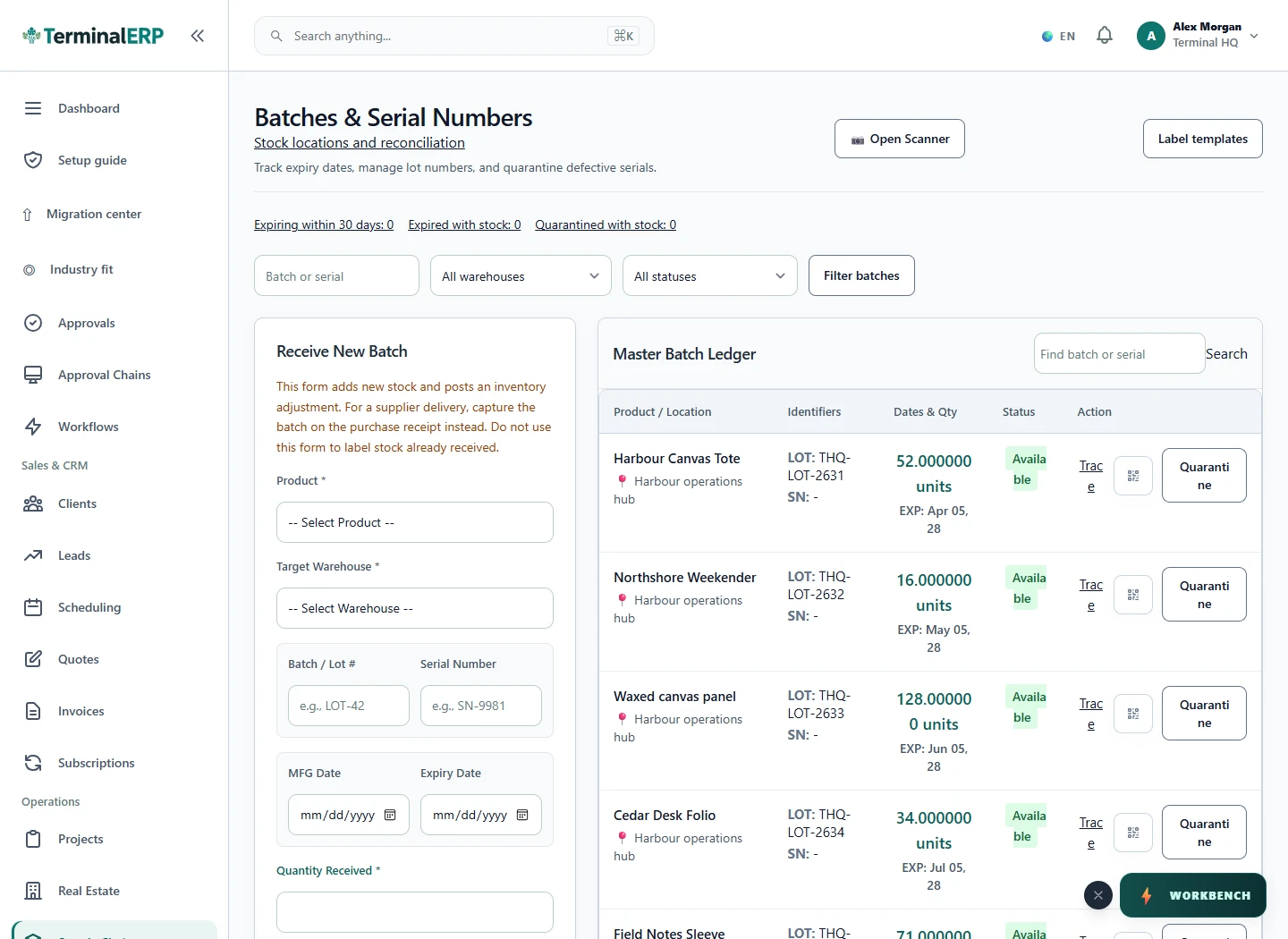
Review expiry and trace the stock you allocate.
A distributor reviews available, non-expired batches before allocation and follows the recorded stock references when a customer asks about a supplied batch.
Validate the exact receiving, selling and return paths for your goods. Do not assume universal quarantine enforcement or regulatory traceability certification.
Compare the plans or tell us how you want to use batch & expiry.