
Know what reached the shop
Connect orders, receipts and bills. Investigate quantity and price differences before treating a purchase as complete.
For retail shops
Record counter sales, review stock and organise purchasing in one business workspace for your shop.

Connect orders, receipts and bills. Investigate quantity and price differences before treating a purchase as complete.
Review dispatch, in-transit quantities and partial receipt, alongside applicable batch and serial information.
The sale is only one part of the trading day. Stock arrives, goods are returned and cash must be counted. Keep those events in records the team can review after the last customer leaves.
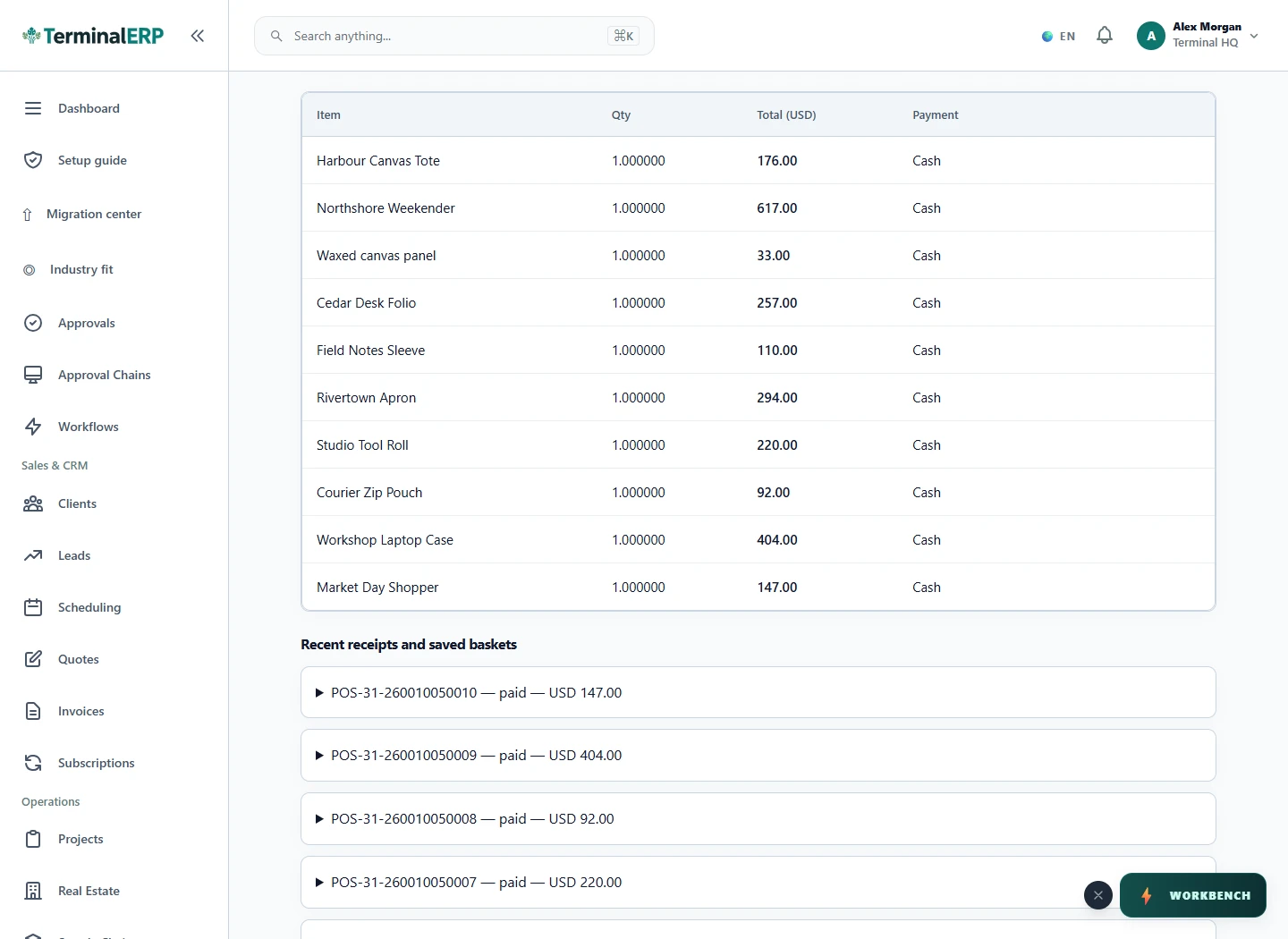
Finish the trading day with an explainable close.
For example: A small shop records the day’s sales, checks a return against its original sale and reviews the cash variance at close before preparing the next purchase.
Yes, through the supported partial-receipt workflow. Review remaining quantities and applicable loss approval.
No. Review the price decision separately from landed-cost allocation.
Keep product descriptions, counter sales and supplier receipts clear enough to answer the next customer question and plan replenishment.
Use stock and dated-batch attention alongside a practical physical-check routine. Date indicators do not replace food-handling controls.
Keep precise product and serial references where available, with a traceable sale and refund record. Confirm any warranty workflow separately.
Review product, batch and expiry records as business tools. Dispensing, prescriptions and regulated pharmacy requirements need specialist verification.
Keep the catalogue, received quantities and counter transactions organised so repeat stock questions are easier to answer.
AI assistance
Draft product copy and review stock-replenishment suggestions.
Check a stock or customer question without recreating the context later. Review mobile access and the supported device workflow for your shop.
Choose with clarity
Start with workflows shaped around the work you do, then check the specialist and regional requirements that matter to your business.
Choosing an industry configures the workspace. It does not turn TerminalERP into a certified specialist system or prove country-specific compliance.
Compare the plans or tell us the task you want to manage. Use a real example to decide whether the available workflow fits.