
Menu
Industries

For other & mixed businesses

Start with the work you do, even if the category is imperfect.

Use the core customer, sales, purchasing and accounting workflows that fit your business, with supported fields for additional detail.

Start with a complete routine

Follow a representative customer, buying, project or appointment workflow from its starting record through final review.

Adapt the record deliberately

Use supported custom fields and industry profiles alongside roles and sensitive-field controls.

A clearer record for the work around the work

Some businesses combine services, products and project work. Instead of forcing the entire operation into a label, choose one task you want to organise and prove the workflow with a real example.
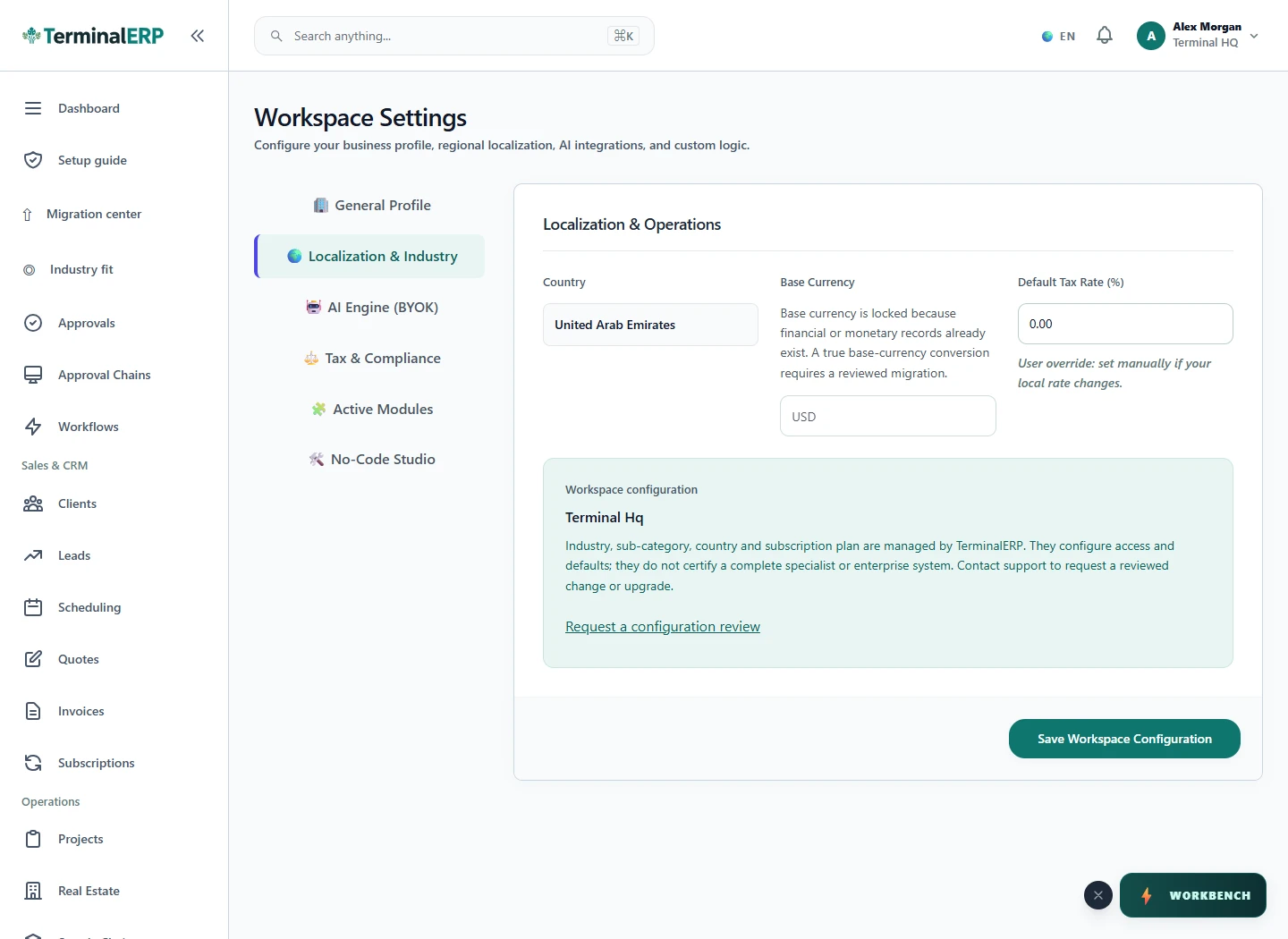
Start with a workspace suited to your business.

Current TerminalERP workspace settings for industry presentation and regional configuration.
Review the industry and regional settings that shape a workspace.
View full screen (opens in a new tab)

A working routine for your business

1. Describe the first workflow you need.

2. Choose the closest relevant profile.

3. Check modules and supported custom fields.

4. Complete a representative record-to-billing workflow.

Industry presentation

Start with a view that fits your work.

  1. Existing workspace records
  2. Supported industry configuration
  3. Relevant available modules
  4. Industry presentation

Picture it in your working day

For example: A small business sells products and installation services. It begins with a clear quotation and project record, then adds the purchasing workflow relevant to each job.

Before you choose your setup

Can custom fields create any workflow?

No. They capture supported information; they do not themselves add posting rules, integrations or approvals.

Does changing a profile alter permissions?

No. Check module availability, plan access and role permissions separately.

Choose with clarity

What this industry setup includes—and what to confirm

Start with workflows shaped around the work you do, then check the specialist and regional requirements that matter to your business.

Choosing an industry configures the workspace. It does not turn TerminalERP into a certified specialist system or prove country-specific compliance.

Relevant workflows to explore

  • Invoices & customer billingInvoices, receipts, credits, returns, refunds, and payment status
  • Customers & contactsCustomer/contact records, statements, collections, and linked activity
  • Expenses & approvalsExpense capture, evidence, approval, and accounting posting
  • Bank records & reconciliationRecorded bank accounts, bounded statement import, match suggestions, and reconciliation; no bank connectivity or settlement claim
  • Accounting & reportsDouble-entry accounting, bounded financial reports, bookkeeping tax records, and period controls; no statutory filing or certification
  • Leads & follow-upsLead stages, ownership, follow-up dates, activities, and outcomes

What to confirm for your business

  • Specialist records and calculations must be configured and verified for the chosen business
  • Industry regulation and external-system integrations

Start with one workflow from your business.

Compare the plans or tell us the task you want to manage. Use a real example to decide whether the available workflow fits.