
Start with the agreed allowance
Keep the project, period, fee and included hours together. Review the agreement before committing to extra work.
Retainers for your business
Record a project’s retainer period, fee and included hours. Review usage before the next client conversation and keep prepaid project funds distinct from period-based coverage.

Keep the project, period, fee and included hours together. Review the agreement before committing to extra work.
An entry that crosses the remaining included-hours balance is rejected until you split it. Record the covered portion and additional billable work separately, then review the extra charge.
A separate prepaid project wallet tracks funding and drawdowns. Its supported billing flow can invoice an overage. An hours allowance and a prepaid money balance are different arrangements.
Review current retainer usage before deciding what additional work is eligible for billing. The interface shown below is a current product capture from the populated fictional TerminalHQ demonstration workspace.
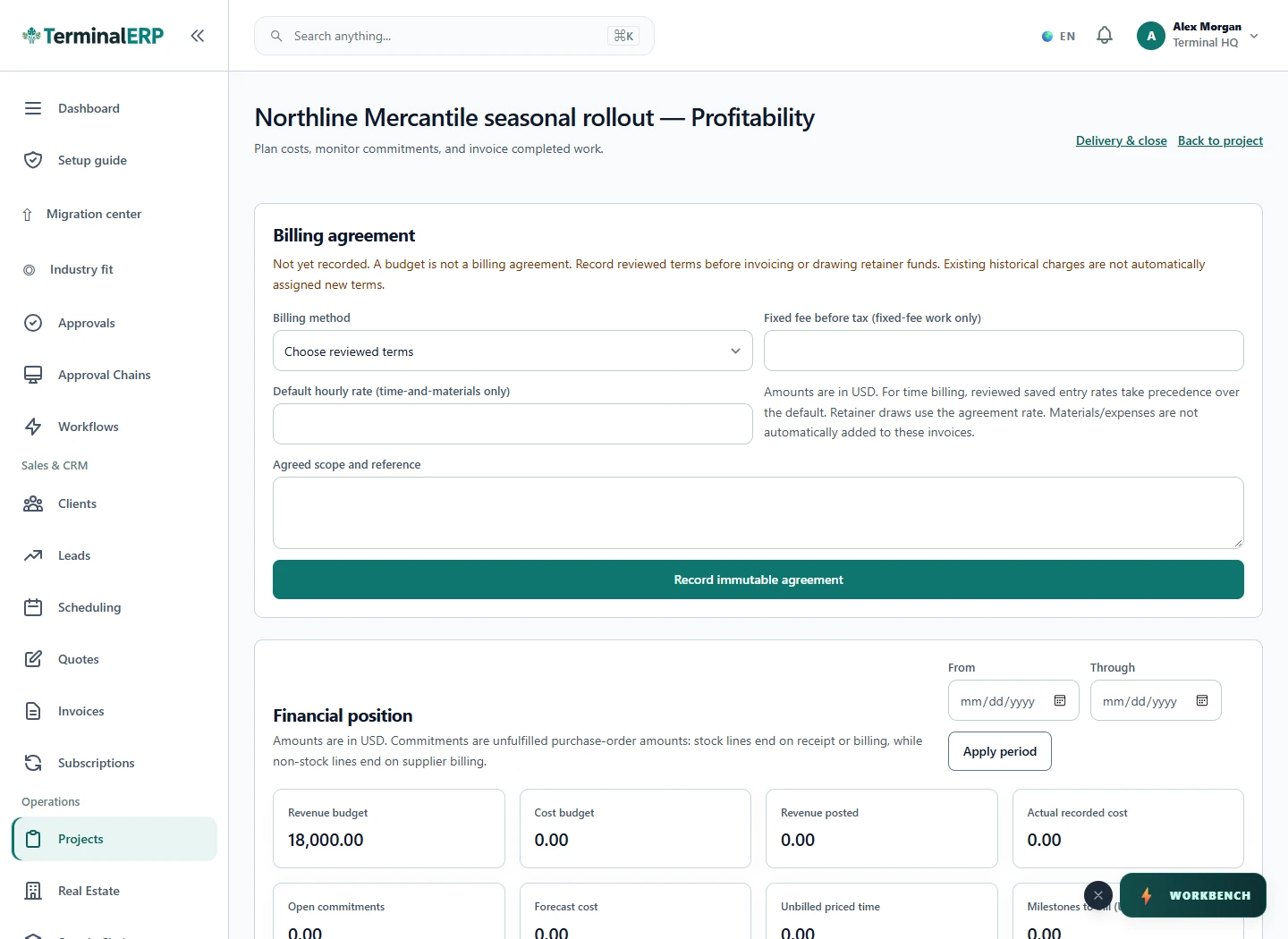
Keep included hours and extra work clear.
An agency has used nine of ten included hours. A new two-hour task needs a one-hour covered entry and a separate one-hour billable entry. The team reviews the extra charge against the client agreement.
Check period dates, approval requirements and the applicable billing agreement. The system does not automatically split a crossing entry or cover it in full.
If a time entry exceeds the remaining included-hours balance, split it into covered time and additional billable work before submitting it.
Capture dated work through the appropriate phone workflow, then review coverage before billing. A crossing entry still needs separate covered and additional billable portions.
Compare the plans or tell us how you want to use retainers.