
Keep the retainer boundary visible
Review the period, fee and included hours. An entry crossing the remaining allowance must be split into covered time and additional billable work.
For digital agencies
Bring campaign projects, recorded effort and commercial agreements into one workspace for your agency’s day-to-day client work.

Review the period, fee and included hours. An entry crossing the remaining allowance must be split into covered time and additional billable work.
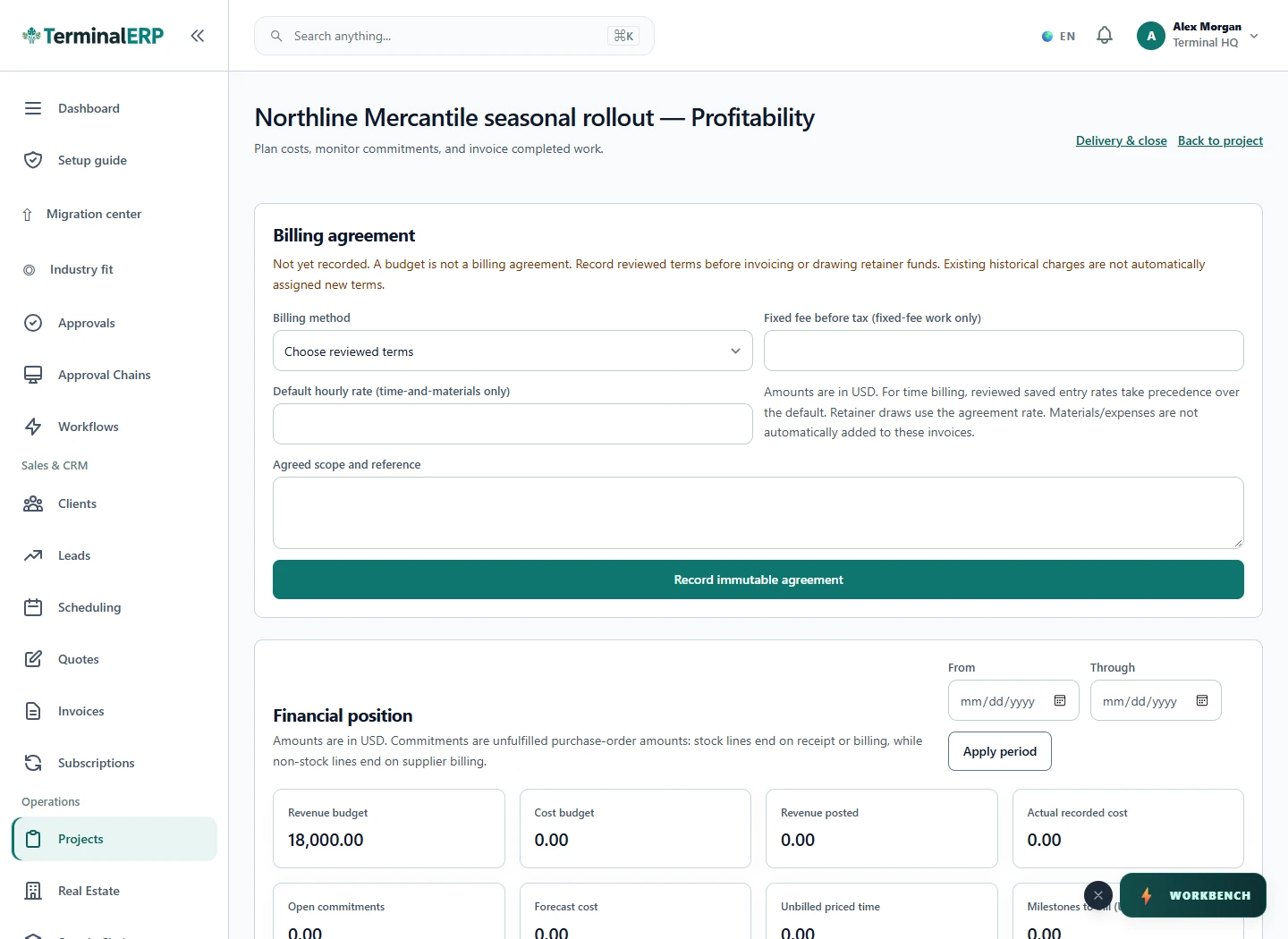
Connect the project billing agreement, approved time, corrections and recorded costs when preparing the invoice.
A small extra request still takes someone’s time. When scope and effort live in different tools, the account manager may only see the gap at billing time. Keep the agreement and recorded work available for an earlier conversation.
Keep included hours and extra work clear.
An agency with one included hour left records a two-hour task as one covered hour and one additional billable hour, then reviews the extra charge.
Record one covered hour and one separate additional billable hour. A crossing entry is rejected until split.
No. A wallet tracks money and drawdowns; a retainer tracks a period and included hours.
Keep campaign scope, recurring client work and extra effort visible before the billing review. Channel results remain in your marketing tools.
Turn the proposed pages or features into clear project tasks and billing references. Keep additional requests distinguishable from the original agreement.
Organise deliverables and review work around the client agreement so another revision can be discussed with context.
Keep the client brief, project work and fee records together. Media monitoring and distribution remain specialist services to verify separately.
Organise client service quotations and business invoices. Candidate tracking, placement compliance and staffing-specific payroll are not implied by the category.
AI assistance
Turn a clear scope into a proposal draft your team can review.
After a client meeting, record the next step or dated work through the appropriate phone workflow. Explore mobile access while keeping retainer review and approval deliberate.
Choose with clarity
Start with workflows shaped around the work you do, then check the specialist and regional requirements that matter to your business.
Choosing an industry configures the workspace. It does not turn TerminalERP into a certified specialist system or prove country-specific compliance.
Compare the plans or tell us the task you want to manage. Use a real example to decide whether the available workflow fits.