
Give the work a clear commercial basis
Keep the project billing agreement and eligible quotation handoff connected to delivery. Review billable status and the applicable retainer or prepaid arrangement.
Projects & time for your business
Organise projects, record the hours behind the work and review unbilled time. Give client delivery and billing a shared reference point.

Keep the project billing agreement and eligible quotation handoff connected to delivery. Review billable status and the applicable retainer or prepaid arrangement.
Record start and end times with the timezone. Follow approval requirements, independent review where required and linked correction workflows. Closed projects cannot accept ordinary new time entries.
Review eligible billing alongside recorded materials, attributable payroll and other supported costs. Use reconciliation and profitability views to investigate their source records.
Review billable time and its customer context before preparing an invoice. The interface shown below is a current product capture from the populated fictional TerminalHQ demonstration workspace.
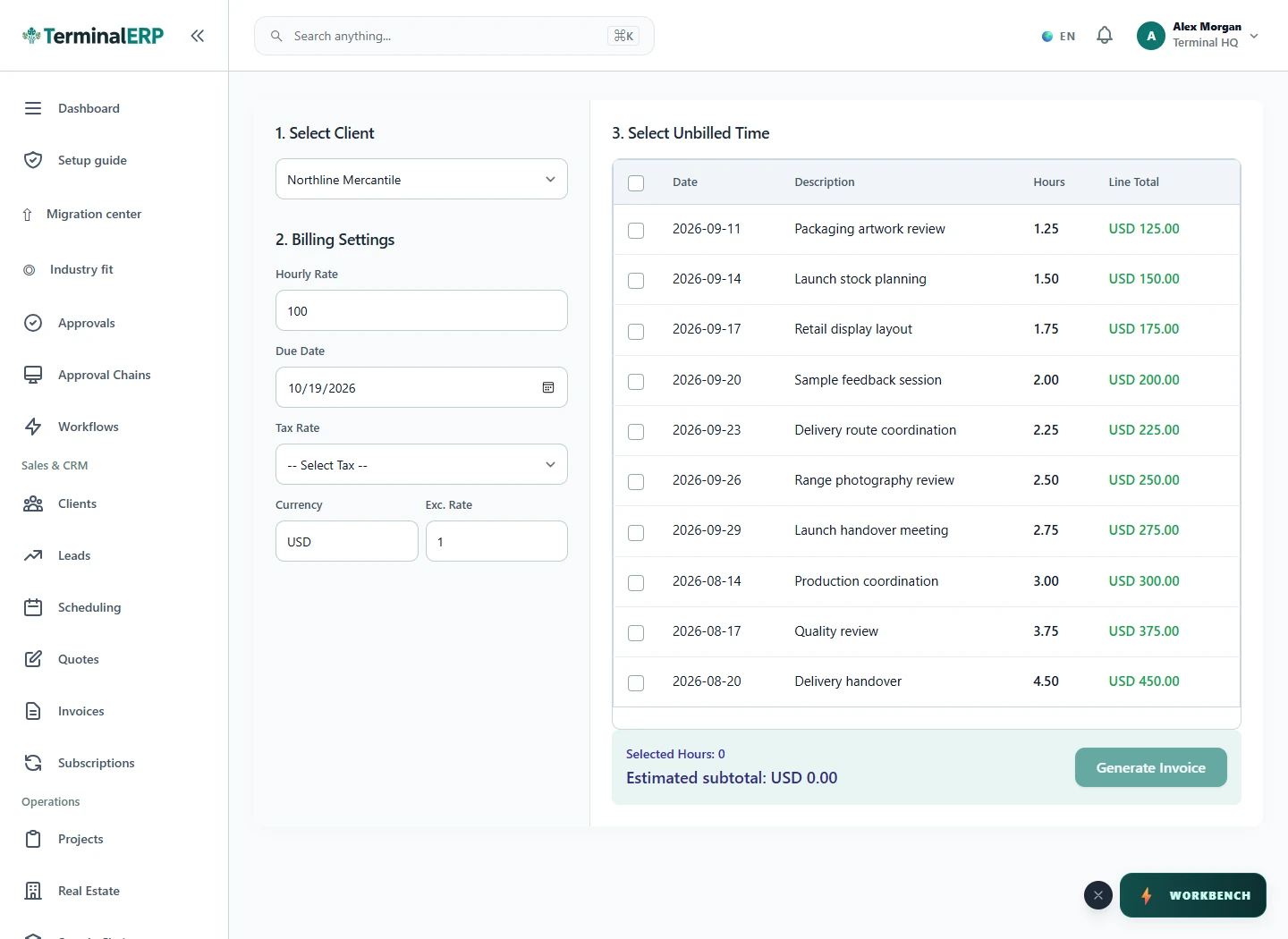
Bring reviewed work into the billing conversation.
A service team reviews approved time and materials against the engagement before invoicing. A corrected entry retains its relationship to the earlier record so the billing review has a clear history.
Entered time is not automatically approved, billable or paid. Retainer entries crossing the remaining allowance must be split.
Record work while the details are fresh and review assigned tasks through the applicable phone workflow. Agreements, approval and billing eligibility still apply.
Compare the plans or tell us how you want to use projects & time.