
Carry orders through receipt and billing
Review staged receipts, multi-order bill matching and variances against the source orders.
For wholesalers
Organise customer quotations, purchasing, recorded stock and invoice follow-ups for your wholesale business.

Review staged receipts, multi-order bill matching and variances against the source orders.
Review locations, batches and transfers before promising stock at the destination.
Familiar customers still need clear orders and payment records. A repeat relationship works better when the team can find what was agreed and what remains outstanding.
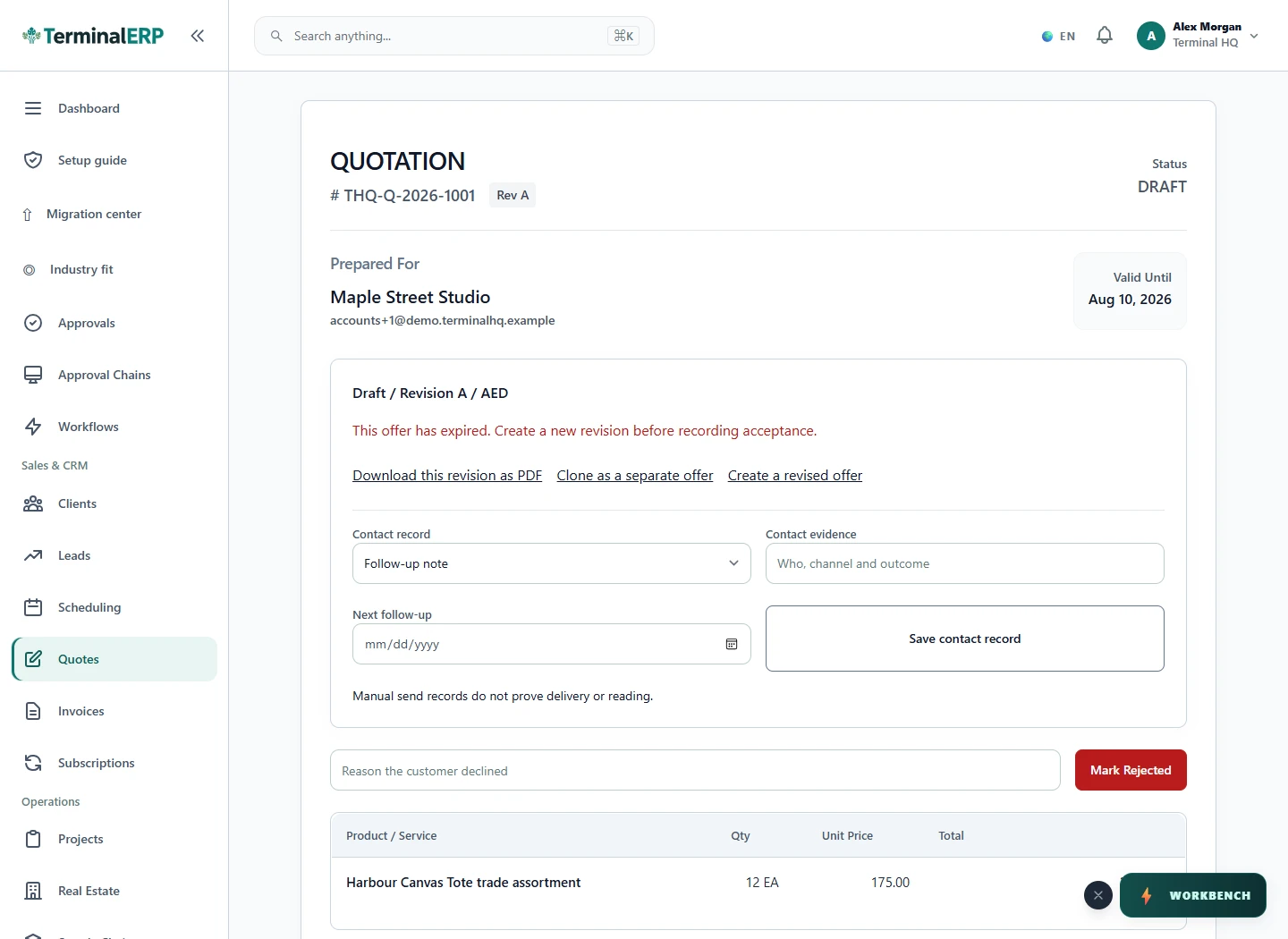
Choose the next step for the agreed work.
For example: A wholesaler prepares a repeat order and checks the customer’s outstanding invoices before agreeing the next commercial step.
Use the supported multi-order matching workflow and review each allocation and variance.
Inspect its supported allocations and retained genealogy. Validate the exact transaction paths used for your goods.
Combine repeat account ordering with stock and expiry attention where relevant. Keep handling and product-specific controls in the process.
Use precise descriptions and quantities for mixed bulk orders, with the customer quote and supplier records close at hand.
Keep product identifiers and agreed order lines clear across collections and repeat customers. Verify any size/color variant workflow you depend on.
AI assistance
Review credit utilization and draft a fact-based overdue-account message.
Bring item and customer context closer to the stock discussion. Confirm mobile access, role permissions and the actual warehouse task before adopting it.
Choose with clarity
Start with workflows shaped around the work you do, then check the specialist and regional requirements that matter to your business.
Choosing an industry configures the workspace. It does not turn TerminalERP into a certified specialist system or prove country-specific compliance.
Compare the plans or tell us the task you want to manage. Use a real example to decide whether the available workflow fits.