
Agree a version everyone can refer to
Review the customer, items, terms, approvals and accepted quotation version before proceeding.
Quotes & invoices for your business
Keep the quotation connected to eligible invoicing, staged fulfilment or service delivery.
Review the customer, items, terms, approvals and accepted quotation version before proceeding.
Use the eligible direct-invoice path, sales-order workflow for staged fulfilment or service-project handoff. Keep the resulting record linked to its source.
Inspect existing invoice, order or project links before converting. A conflicting handoff cannot also be billed through direct quotation conversion.
Review an accepted quotation and its line items before moving to the next commercial record. The interface shown below is a current product capture from the populated fictional TerminalHQ demonstration workspace.
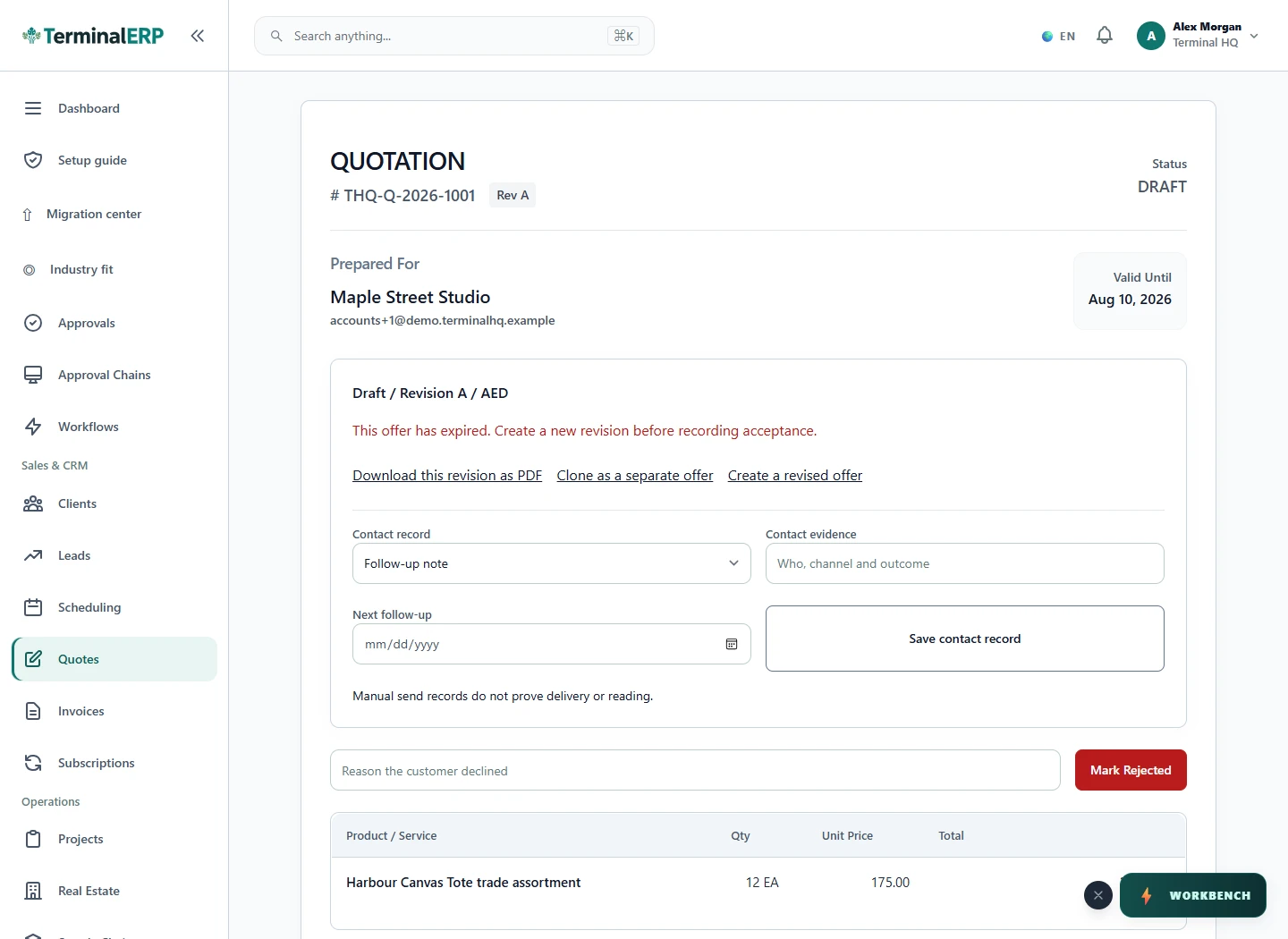
Choose the next step for the agreed work.
A service business carries an accepted quotation into its eligible project workflow. A product business uses an order for staged fulfilment; a suitable immediate billing case can use direct invoicing.
Acceptance, delivery, invoice creation and payment are separate events. Eligibility also depends on applicable permissions, stock, credit and workflow conditions.
Keep an offer and its next action within reach. Explore permitted phone workflows for quotation follow-up and selected billing actions, with detailed work continuing in the browser.
Compare the plans or tell us how you want to use quotes & invoices.