
Connect job work and materials
Review the project agreement, dated time, approvals, corrections and recorded materials before billing.
For construction & trades
Organise customer quotations, project records and supporting costs for the business side of construction and trade work.

Review the project agreement, dated time, approvals, corrections and recorded materials before billing.
Review attributable payroll and other supported costs with their source records.
Work happens on site while the commercial questions follow you back to the office. Retain the agreement and job-related costs so the next billing conversation has a clear starting point.
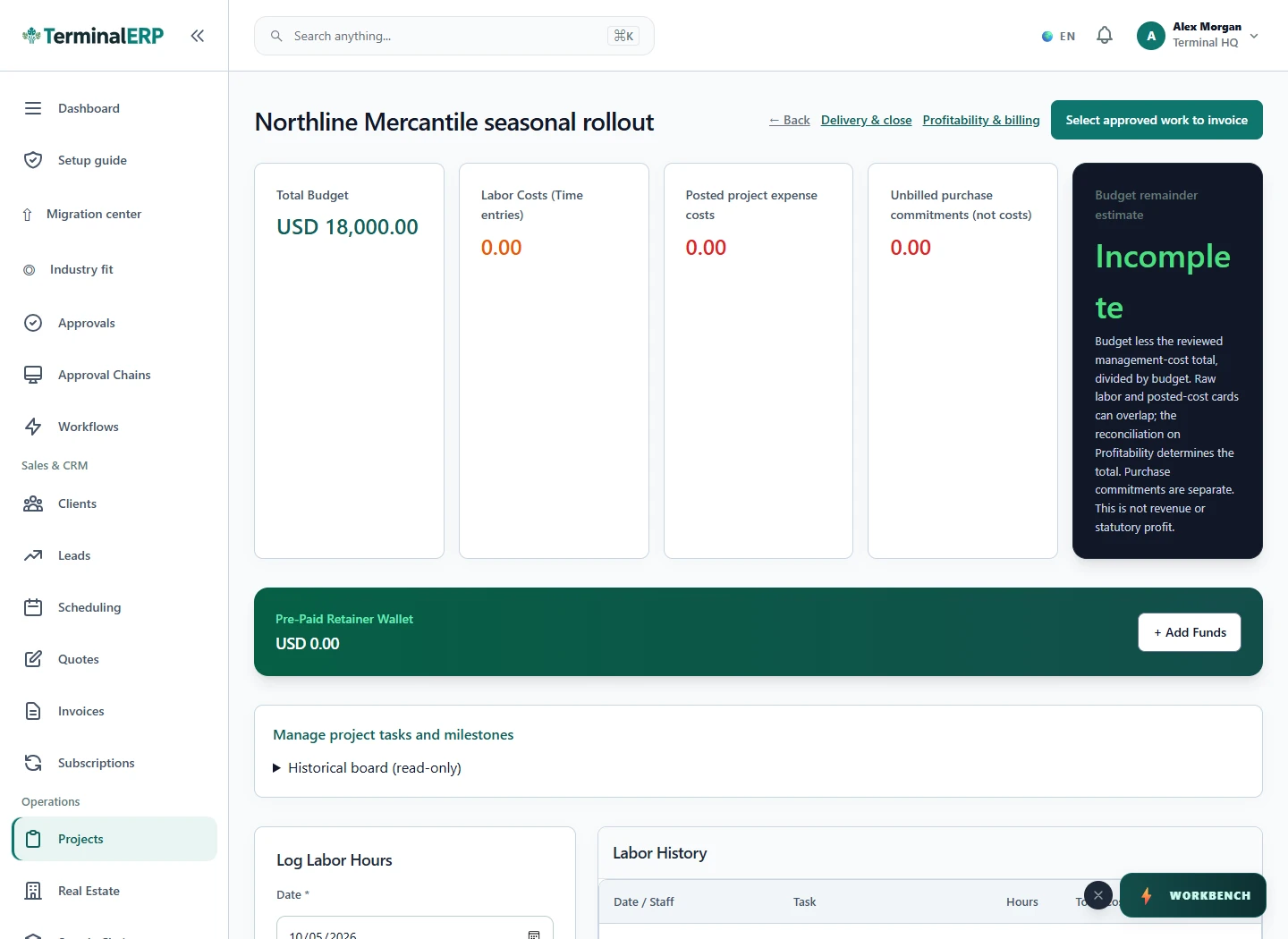
Bring reviewed work into the billing conversation.
For example: A small contractor records a renovation project and links its material purchase to the job before reviewing the customer invoice.
No. Check billable status, the agreement and approval requirements.
Validate estimating, certification, retention, subcontractor and statutory requirements separately.
Keep the quotation, job tasks and supporting purchases together so the billing review has a clear scope reference.
Organise site work, materials and service quotations for a small trade team. Keep extra visits and changes identifiable.
Use project and purchase records for the business activity you can verify. Development finance and specialist contract controls require a separate fit review.
Make the joinery, materials and installation scope clear, then keep project tasks and billing aligned with the approved work.
AI assistance
Compare project costs with budget and prepare progress-claim calculations.
Record time and review assigned work closer to the job. Explore mobile access; detailed billing and project administration can continue in the browser.
Choose with clarity
Start with workflows shaped around the work you do, then check the specialist and regional requirements that matter to your business.
Choosing an industry configures the workspace. It does not turn TerminalERP into a certified specialist system or prove country-specific compliance.
Compare the plans or tell us the task you want to manage. Use a real example to decide whether the available workflow fits.