
Build a repeatable customer handoff
Review customer identity and duplicate candidates, then keep the accepted quotation connected to its eligible invoice, order or project.
For startups
Keep early customers, quotations, invoices and spending in one workspace. Start with a practical workflow your team can use today.

Review customer identity and duplicate candidates, then keep the accepted quotation connected to its eligible invoice, order or project.
Use roles, record scope and sensitive-field permissions. Employee self-service supports permitted leave and private payslip access.
Early growth adds commercial administration before a startup has a dedicated person for every job. A consistent record makes it easier for the founder and first colleagues to keep track of commitments.
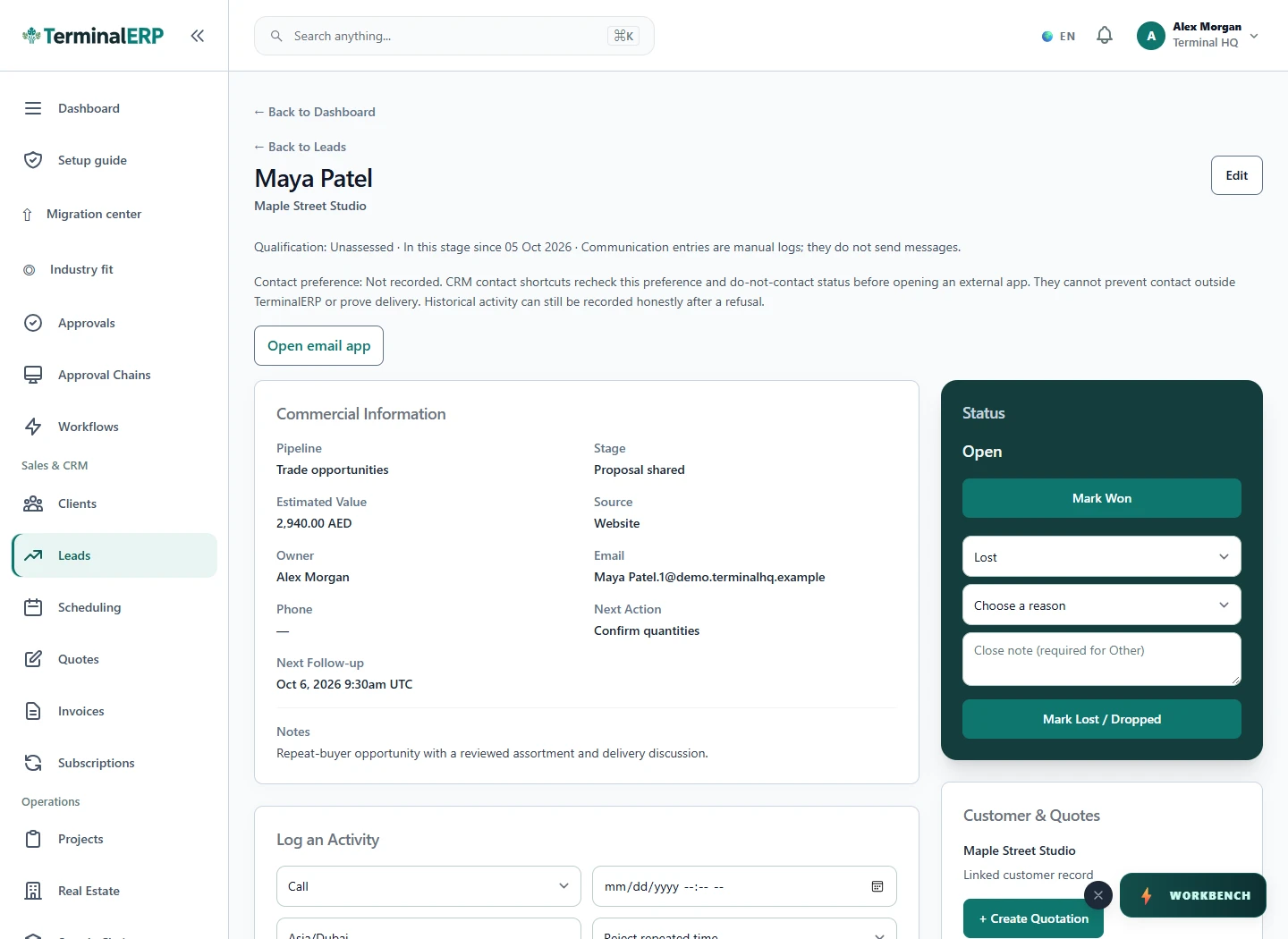
Keep the relationship before creating another record.
For example: A small startup records its first service customers and reviews outstanding invoices alongside monthly expenses before deciding its next administrative priority.
No. Profiles organise the workspace; permissions and plan access determine what people can use.
No. The agreement, invoice and actual collection are separate events.
Organise early customer agreements, projects, expenses and billing records. Verify recurring invoicing and collection needs separately from product usage metrics.
Keep commercial projects and business spending organised while your analytics platform measures app usage and user behavior.
Manage your own customer and expense records with clear references. Multi-party payouts, escrow and marketplace settlements need a separate capability check.
Connect prototype or customer work with purchasing and available production records. Use your engineering tools for design and technical validation, alongside these business records.
AI assistance
Structure an investor update around your milestones, risks and available business figures.
Help the team reach the next permitted task without creating a second set of notes. Check mobile access alongside each person’s role and workspace plan.
Choose with clarity
Start with workflows shaped around the work you do, then check the specialist and regional requirements that matter to your business.
Choosing an industry configures the workspace. It does not turn TerminalERP into a certified specialist system or prove country-specific compliance.
Compare the plans or tell us the task you want to manage. Use a real example to decide whether the available workflow fits.