
Carry the agreed scope into delivery
Use the eligible quotation-to-project or billing handoff and keep the engagement and reviewed time connected.
For professional services
Connect client conversations, agreed scope, project work and invoices for a service business that needs a more consistent commercial routine.

Use the eligible quotation-to-project or billing handoff and keep the engagement and reviewed time connected.
Review approvals, linked corrections, materials and supported payroll attribution when investigating project results.
The advice or service may be clear, while the administration behind it is spread across messages and documents. Keep the engagement’s commercial record available when a colleague or client needs an answer.
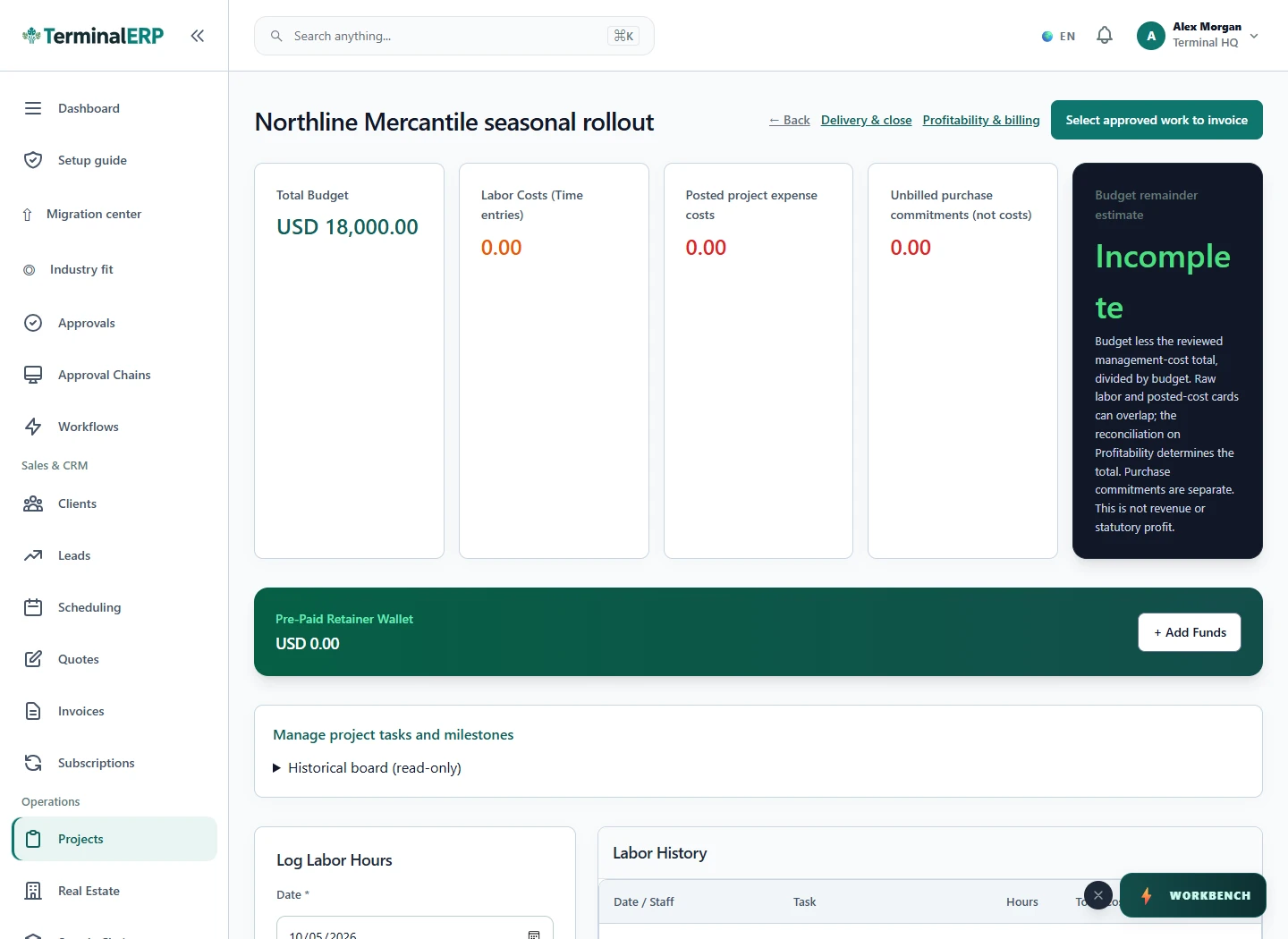
Bring reviewed work into the billing conversation.
For example: A consultancy agrees a diagnostic engagement and records the work in a project. At billing review, the team checks the quotation and recorded effort before issuing the invoice.
Yes. Check the applicable approval state and agreement; closed projects and linked corrections follow their supported controls.
No. Assess trust accounting, escrow and profession-specific obligations separately.
Follow client engagements into recorded work and fees, with a separate check for trust-accounting and legal-practice requirements.
Keep recurring client services, additional projects and fee reviews distinct. Use the dedicated accounting-practice page for a more focused example.
Give technical engagements clear scope, task and time records. Your engineering software remains responsible for design and calculations.
Organise project proposals, review tasks and fees around the client agreement without treating the business workspace as a drawing-control system.
Keep advisory, implementation and support engagements understandable through project references, recorded work and clear invoices.
AI assistance
Prepare engagement text and review possible name matches during client intake.
Bring the customer context into the meeting and record work while the details are fresh. Explore mobile access without widening access to confidential client records.
Choose with clarity
Start with workflows shaped around the work you do, then check the specialist and regional requirements that matter to your business.
Choosing an industry configures the workspace. It does not turn TerminalERP into a certified specialist system or prove country-specific compliance.
Compare the plans or tell us the task you want to manage. Use a real example to decide whether the available workflow fits.