
Keep operational costs traceable
Review vehicle-related expenses and available maintenance information with their supporting records.
For logistics & fleet businesses
Keep customer agreements, project records, expenses and invoices organised around your logistics service work.

Review vehicle-related expenses and available maintenance information with their supporting records.
For location transfers, distinguish dispatch, in-transit stock, receipt and approved corrections.
A job may be complete before its paperwork is ready. Retain the commercial record and supporting costs so the administrative team can review what still needs billing.
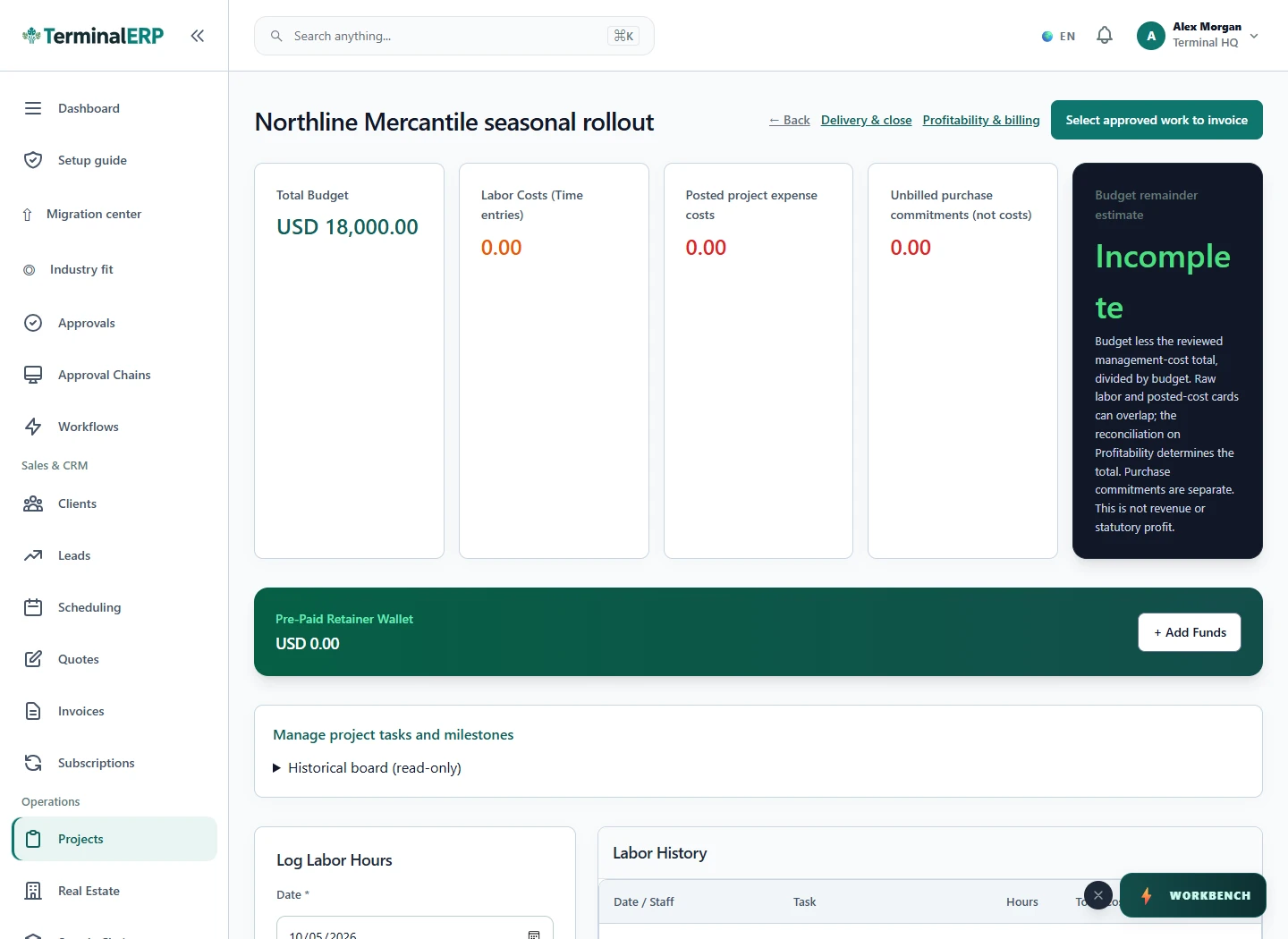
Bring reviewed work into the billing conversation.
For example: A small transport service records a customer job and its supporting expenses before preparing the invoice and checking the payment record.
No. Confirm customer shipment and delivery evidence through the actual carrier process.
Do not assume those capabilities. Validate any specialist telematics, routing or carrier integration.
Keep shipper references, quoted services and billing records together. Dispatch and vehicle telemetry remain separate capabilities to confirm.
Give each service job a clear quotation and invoice reference. Route planning and proof-of-delivery apps are not implied.
Organise customer service billing and relevant references. Vehicle availability, rental agreements and maintenance workflows need an explicit review.
Inspect the warehouse and transfer tools, then verify customer-owned inventory, storage charges and 3PL-specific fulfilment requirements.
AI assistance
Review service-due vehicles and feasible dispatch suggestions.
Keep the operational record close to the conversation. Explore mobile access without assuming GPS tracking, routing or proof of delivery.
Choose with clarity
Start with workflows shaped around the work you do, then check the specialist and regional requirements that matter to your business.
Choosing an industry configures the workspace. It does not turn TerminalERP into a certified specialist system or prove country-specific compliance.
Compare the plans or tell us the task you want to manage. Use a real example to decide whether the available workflow fits.