
Find a familiar starting point
A consultant, a shop and a property business describe their work differently. Industry profiles supply terminology and configuration that help the workspace feel closer to the work you recognise.
Industry setup for your business
Choose a business profile with relevant terminology and a useful starting configuration. Build your daily routine around the modules and permissions available to your workspace.

A consultant, a shop and a property business describe their work differently. Industry profiles supply terminology and configuration that help the workspace feel closer to the work you recognise.
Start with a customer enquiry, a quotation, a stock receipt or another task that matters today. Check the modules included in your arrangement and bring one representative workflow into the system before widening the scope.
Use supported custom fields when you need to retain additional information. Add team access as responsibility changes. Industry choice provides context; it does not turn every specialised workflow into an included capability.
Review the industry and regional settings that shape a workspace. The interface shown below is a current product capture from the populated fictional TerminalHQ demonstration workspace.
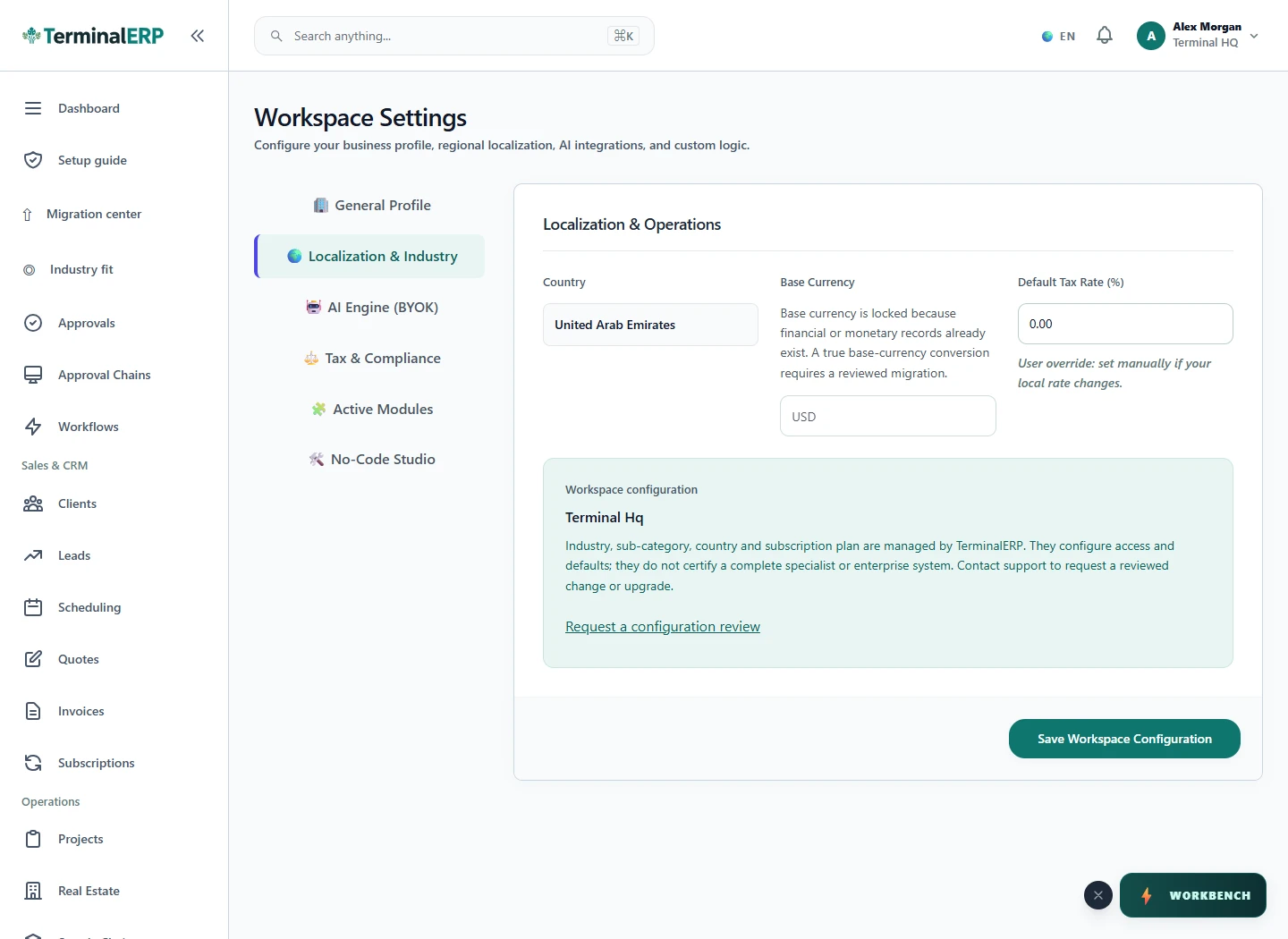
Start with a view that fits your work.
For example: A freelance consultant begins with client records and invoices. A trader instead starts with products and a supplier order. Both use the shared platform through a starting point suited to their day.
Choose a plan with the relevant workflows and review a representative task before expanding your setup. Ask us about any specialist requirement that affects your decision.
Compare the plans or tell us how you want to use industry setup.