
Start with the permitted action
Choose the role and permissions for the tasks a person needs to perform.
Roles & access for your business
Use company context, roles and permission controls to organize who can work with business records. Ask specific hosting and security questions before entrusting critical operations.

Choose the role and permissions for the tasks a person needs to perform.
Review access to the relevant business records, including warehouse and employee records where applicable.
Use the available controls for costs, salary and other sensitive fields. Test the resulting view and permitted action with the intended role.
Match workspace access to a person’s responsibilities. The interface shown below is a current product capture from the populated fictional TerminalHQ demonstration workspace.
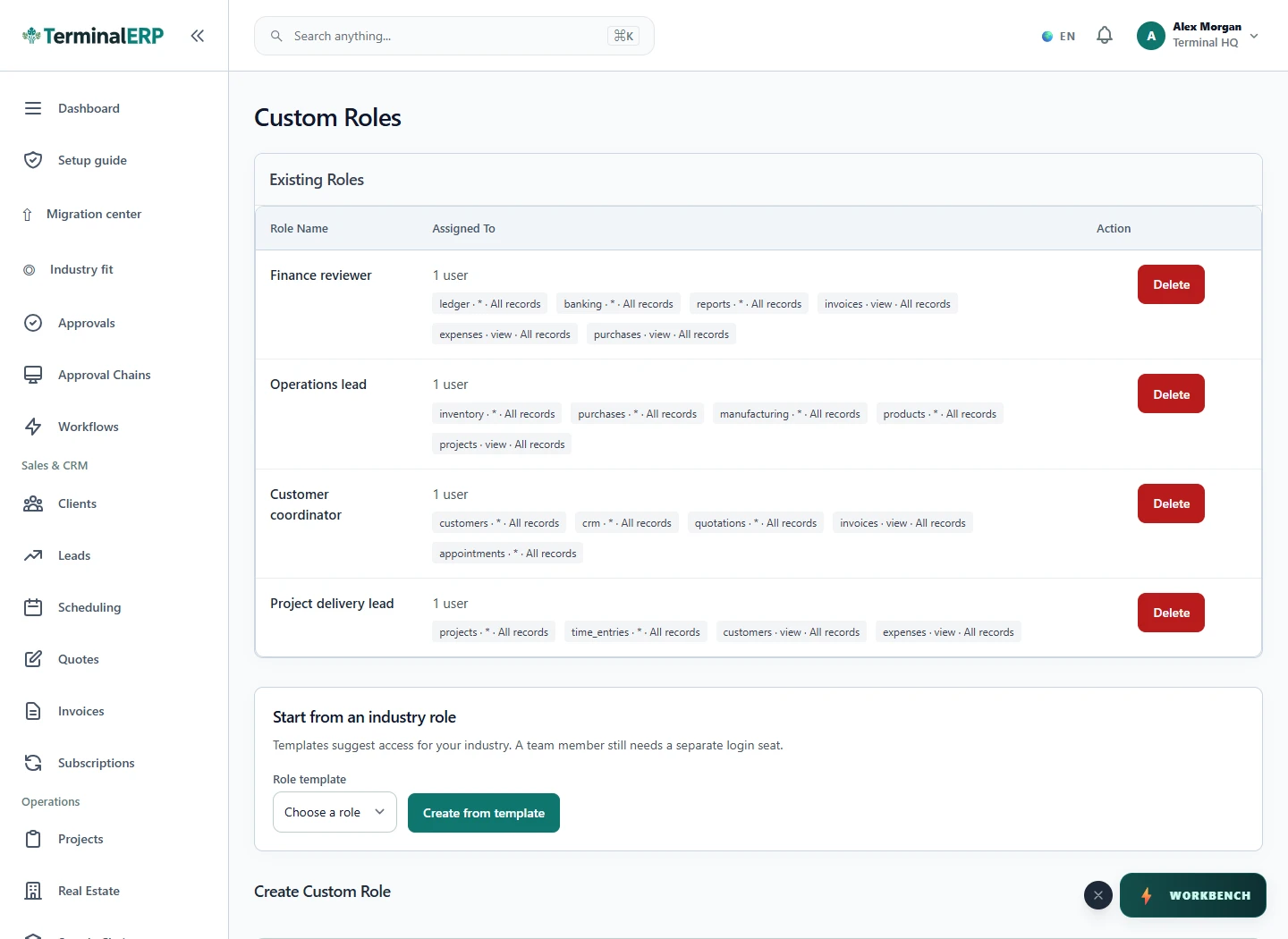
Give people the access their work needs.
A warehouse colleague handles permitted stock movements while cost visibility is restricted. An employee reaches their own permitted self-service records.
Industry profiles organise the experience; they do not grant permissions. Module availability, plan access and record scope must also be checked.
Compare the plans or tell us how you want to use roles & access.