







Menu

AI-ASSISTED BUSINESS SOFTWARE FOR SMALL TEAMS

Run your business. Put AI to work.

Bring customer follow-ups, invoices, expenses, stock and team tasks into one workspace built for solo professionals and small businesses. Use connected records and AI assistance to prepare the next step, review the details and keep work moving.

A busy day. Fewer loose ends.

Bring the details behind your sales, purchases and customer work into one place.

AI ASSISTANCE, CONNECTED TO YOUR WORK

Your business has enough to do. Give AI a useful job.

Turn a receipt into details you can review. Find overdue invoices and get a clearer starting point for your next customer conversation. TerminalERP brings AI assistance into the business work you already do.

Explore the AI assistant

Connect with OpenAI, Claude, Gemini, DeepSeek or Groq using your own API key.

Supported AI providers

Connected to your working day

Your workspace. Your AI connection.

Connect a supported provider to your TerminalERP workspace using your own API key. Bring AI assistance into everyday business tasks without moving your working records into another business app.

An API key connects your provider account to TerminalERP. An authorized workspace administrator manages the connection.

Available tasks depend on your connected provider and enabled features. Review AI-generated information before using it. Provider API charges may apply.

A useful first task

From a receipt photo to a reviewed expense.

Add your receipt image. Check the suggested details. Confirm the expense action, then follow its approval or posting status inside TerminalERP.

  1. Add a receipt image
  2. Review the proposal
  3. Confirm the action
  4. Track the result

Your workspace’s expense approval rules still apply. Check tax treatment and other important details before confirming.

Explore receipt assistance

For people running a business, whether you work solo or with a small team.

Start with the part of your day that needs attention

Client work: Keep enquiries, agreed work and invoices connected. Explore client work

Shops and trading: Review recorded stock, supplier purchases and the cost behind the next sale. Explore trading

Small teams: Give colleagues shared business records and access for their responsibilities. Explore service teams

Client & service work

Turn agreed work into a clear invoice.

Keep the client, quotation and invoice connected, so you can follow up with the right details in front of you.

  1. Client
  2. Quotation
  3. Invoice

Review the accepted quote, then convert it when eligible. You control the action.

Explore quotes and invoices →
Shops & trading

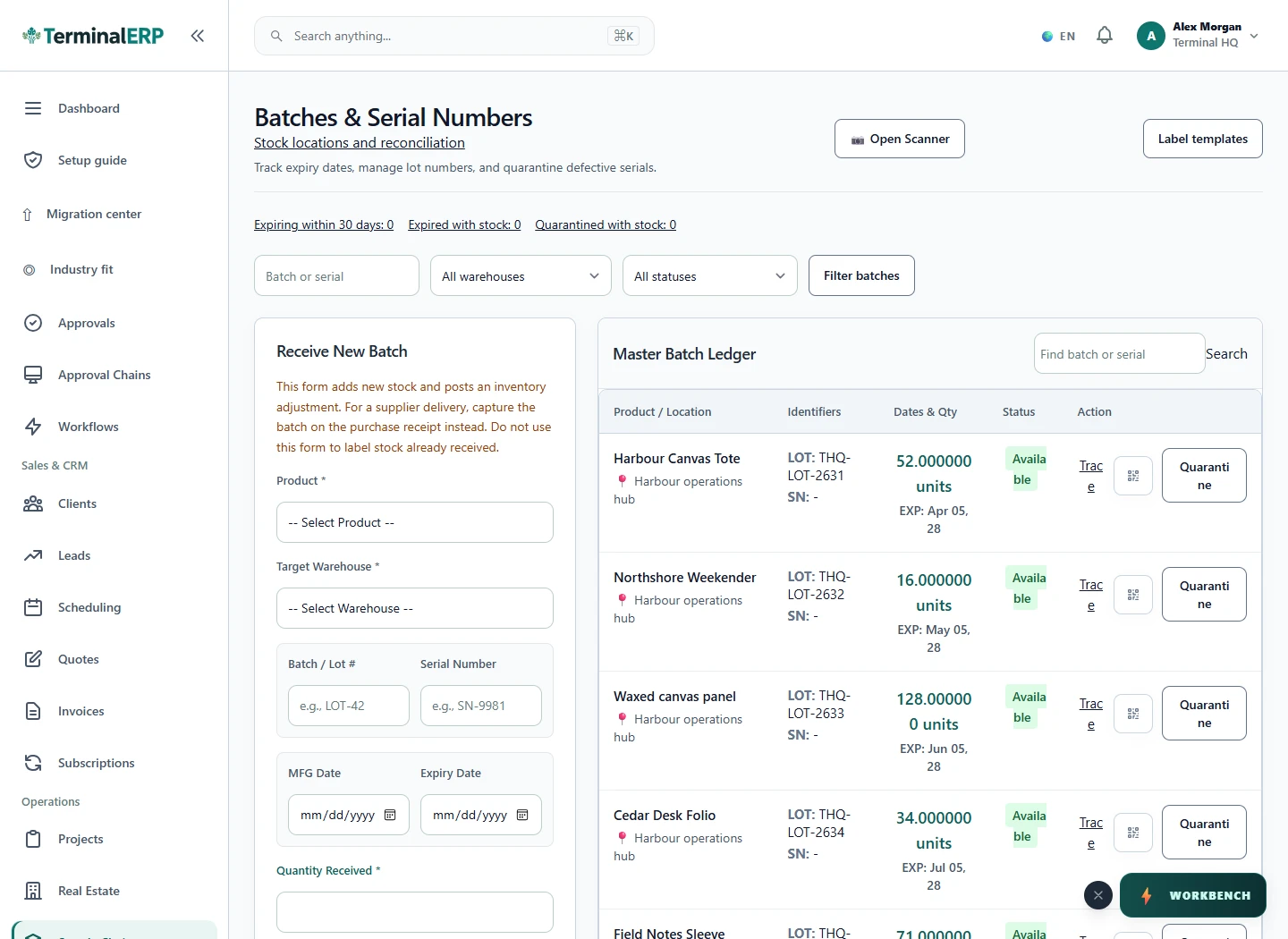
Keep purchasing and stock in view.

Follow supplier orders and recorded deliveries, review stock, and keep customer sales records close at hand.

  1. Purchase order
  2. Goods receipt
  3. Stock review

Record receiving and review stock. Supplier billing is a separate linked action.

Explore purchasing and receiving →
Projects & time

See the work behind the bill.

Keep project tasks and recorded hours together, then review eligible time before invoicing.

Explore recorded time →
Take a look inside

See the product before you choose

Explore real TerminalERP screens with sample records. Choose an area of the business or enlarge a screen for a closer look.

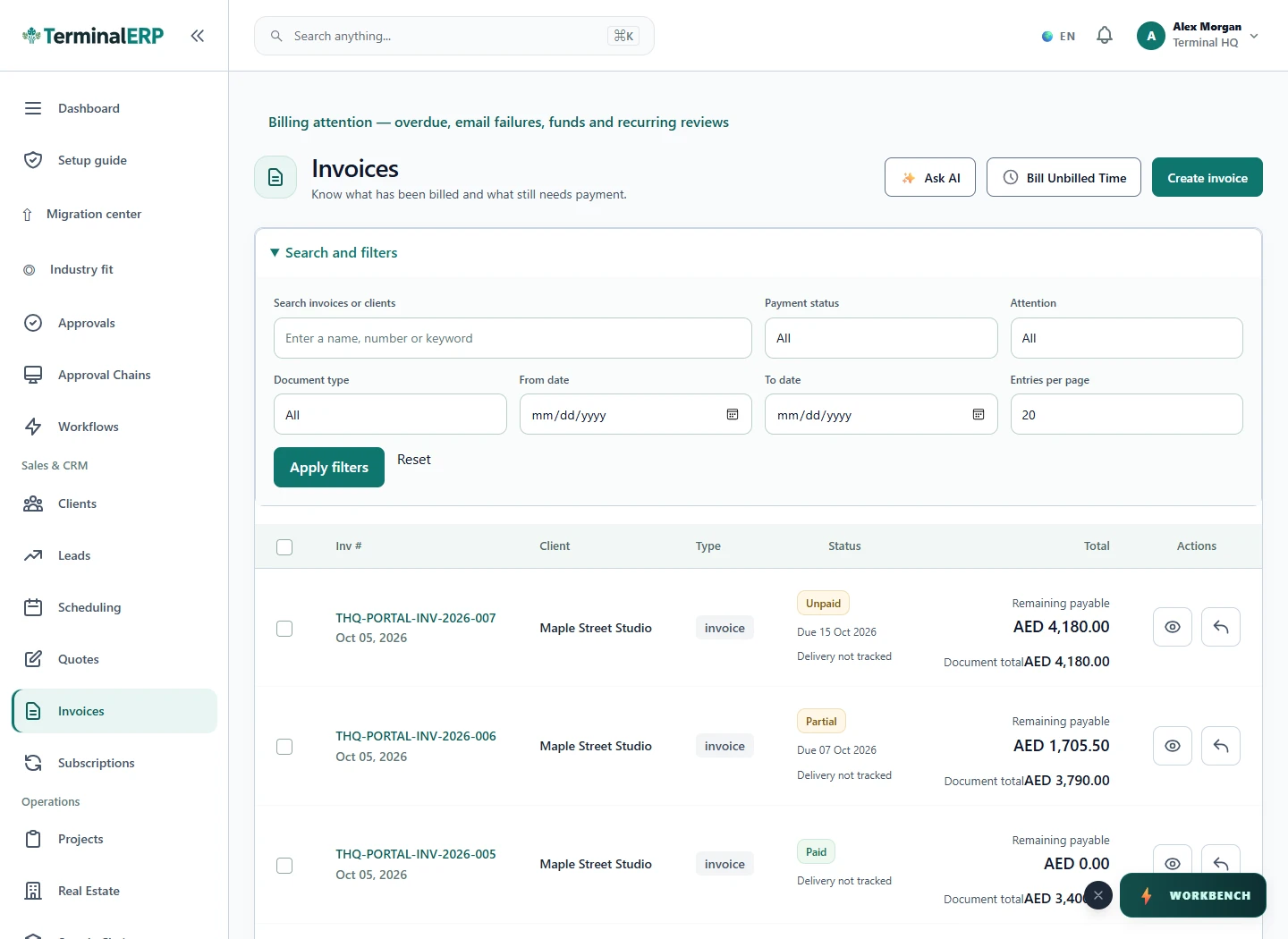
Invoices

Find invoices and review customer balances and statuses.

Current TerminalERP invoice register showing customers, due dates, payment statuses and remaining balances.
Enlarge screenshot

Understand more of the cost behind your stock

Bring supplier orders, receipts and additional buying costs together. Review the stock still held and the cost assigned to goods already sold before making your next pricing decision.

Business owner reviewing purchase documents beside received cartons

Bring the work you could bill into view

Keep the project agreement, recorded time and approval together. Review what is eligible to bill and separate covered retainer hours from additional work before preparing the invoice.

Independent professional reviewing project notes beside a laptop

A clear next step, from enquiry to invoice

Keep the accepted quotation connected to its next step. Use the eligible invoice, sales-order or service-project handoff, then follow delivery, billing and payment review.

Service provider and client reviewing a proposal together
Not sure where your business fits?Start with what you do. No ERP terminology needed.Help me find my fit +
Find your business

Choose a starting point for your business

Browse business profiles and the workflows they support. Begin with the relevant tasks and check module availability before expanding your setup. Find your business type.

Find your starting plan

Choose the plan around your working day

Compare current plans, document volumes, team capacity and included workflows. Registration opens a Starter workspace; review the arrangement for a different plan before you begin. Compare all plans.

Compare 3 starting plans, then check the people, document volumes and workflows included. Open the full comparison for the complete picture.

Compare all plans →

Need more capacity or a specialist workflow? Explore the full plan comparison.

View all plans →

Starter

For your first connected workflow
US$19/ workspace / month

USD · Base price with monthly billing

  • 1 owner loginteam access can be added
  • 50 invoicesper month
  • 50 quotationsper month
  • 1 legal entityincluded
Join the waitlist

Registration opens a Starter workspace. Review the plan details before you begin.

Growth

US$49/ workspace / month

USD · Base price with monthly billing

  • User placesConfirm your team’s capacity
  • 200 invoicesper month
  • 200 quotationsper month
  • 1 legal entityincluded
Compare this plan →

New accounts start on Starter. Contact us to confirm this plan and the setup you need. Discuss this setup

Business

US$129/ workspace / month

USD · Base price with monthly billing

  • User placesConfirm your team’s capacity
  • 500 invoicesper month
  • 500 quotationsper month
  • 1 legal entityincluded
Compare this plan →

New accounts start on Starter. Contact us to confirm this plan and the setup you need. Discuss this setup

New to ERP? Start here.

Start with one job you already know.

ERP means enterprise resource planning. For your small business, think of it as a shared place for the records behind your work: customers, quotes, invoices, purchases and stock. Begin with one familiar task.

A customer asks for a quote. You record the agreement, prepare the invoice and record the payment when it arrives. Follow the details from one step to the next.

  1. Choose your first useful job.

    Want clearer client billing? Start with a customer and a quotation. For goods, explore product and purchasing records.

    Find a workflow →
  2. See it before you set it up.

    Open the product tour and look at the records you would use. Follow a guide to understand what you need to enter.

    Take the product tour →
  3. Check the fit. Then begin.

    Compare user places, document limits and included workflows. When you are ready, create your workspace and begin with that first task.

    Compare your options →

Who needs access?

Start with the people who will actually use the workspace. Review roles and permissions before inviting them.

Understand team access →

What about existing records?

Export supported records as CSV files. Check formats, plan limits and the options for bringing records in before planning your move.

Ask about your records →

What should I check for my country?

Review company currency, tax settings and the documents your business needs.

Explore tax setup →

Independently built for everyday business. TerminalERP is built by a solo founder with the help of AI tools. Explore the product, read the documentation and ask direct questions.

Our story →

Your working day does not stay at one desk.

Check a customer detail, record an expense or review the next task through your phone browser. Explore the native Android and iPhone companion being prepared for release, and see where mobile work fits your team.

Explore TerminalERP on your phone

Small-business colleagues keeping a receipt and follow-up close to their working day.
Phone-friendly access keeps selected tasks close to the working day.
From everyday work to a clearer picture

Bring the work together. Give AI a useful job.

Start with the business tasks you need today, then explore the AI tools available for your workspace.

Starts with a Starter workspace. Choose the setup that fits your business.