
Track movement between locations
Use multi-line transfers with dispatch, in-transit quantities, partial receipt and reviewed losses.
For distributors
Keep customer records, purchase orders and stock locations available as distribution work moves between colleagues.

Use multi-line transfers with dispatch, in-transit quantities, partial receipt and reviewed losses.
Review bill matching and the allocation of additional costs between stock held and goods sold.
A customer’s availability question may involve sales, a warehouse and the buying team. Shared business records provide a clearer starting point for that handover.
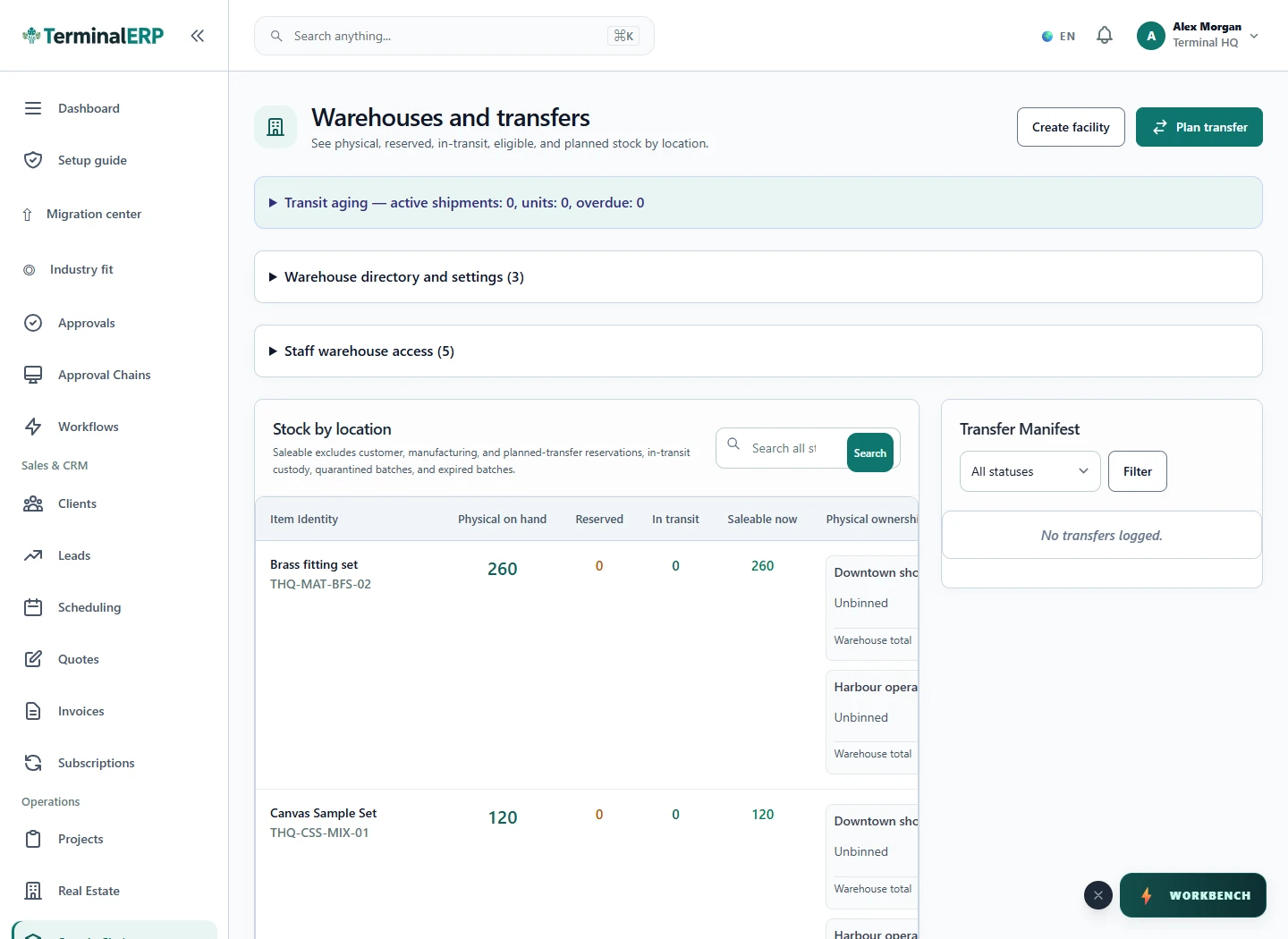
Know what left, what arrived and what needs attention.
For example: A distributor checks the dispatch location before committing goods and records an internal transfer when stock needs to move from the main store.
No. Review the recorded receipt; goods may remain in transit or be partly received.
Use available warehouse access and cost-visibility permissions, and verify the intended role.
Connect dealer enquiries with the relevant warehouse and transaction records, then confirm fulfilment through your actual process.
Keep the brand account and commercial references available. Track exclusivity and territory targets through your agreed commercial process.
Review batch and expiry information alongside the traceability and handling requirements of your products; verify specialist controls independently.
AI assistance
Review territory commitments and stock-balancing suggestions across locations.
Review stock questions where goods are handled. Check mobile access and device suitability while preserving the distinction between dispatch and receipt.
Choose with clarity
Start with workflows shaped around the work you do, then check the specialist and regional requirements that matter to your business.
Choosing an industry configures the workspace. It does not turn TerminalERP into a certified specialist system or prove country-specific compliance.
Compare the plans or tell us the task you want to manage. Use a real example to decide whether the available workflow fits.