
Separate dispatch from arrival
Record sending and receiving locations, partial arrivals and remaining in-transit quantities.
For multi-branch retailers
Review location stock, record transfers and use register sessions to organise the business records behind more than one shop.

Record sending and receiving locations, partial arrivals and remaining in-transit quantities.
Apply warehouse scope and cost visibility alongside roles when reviewing stock and movements.
Adding a location adds handovers. The central question is often simple: where is the stock, and what happened at that register? Keep the relevant records tied to the location.
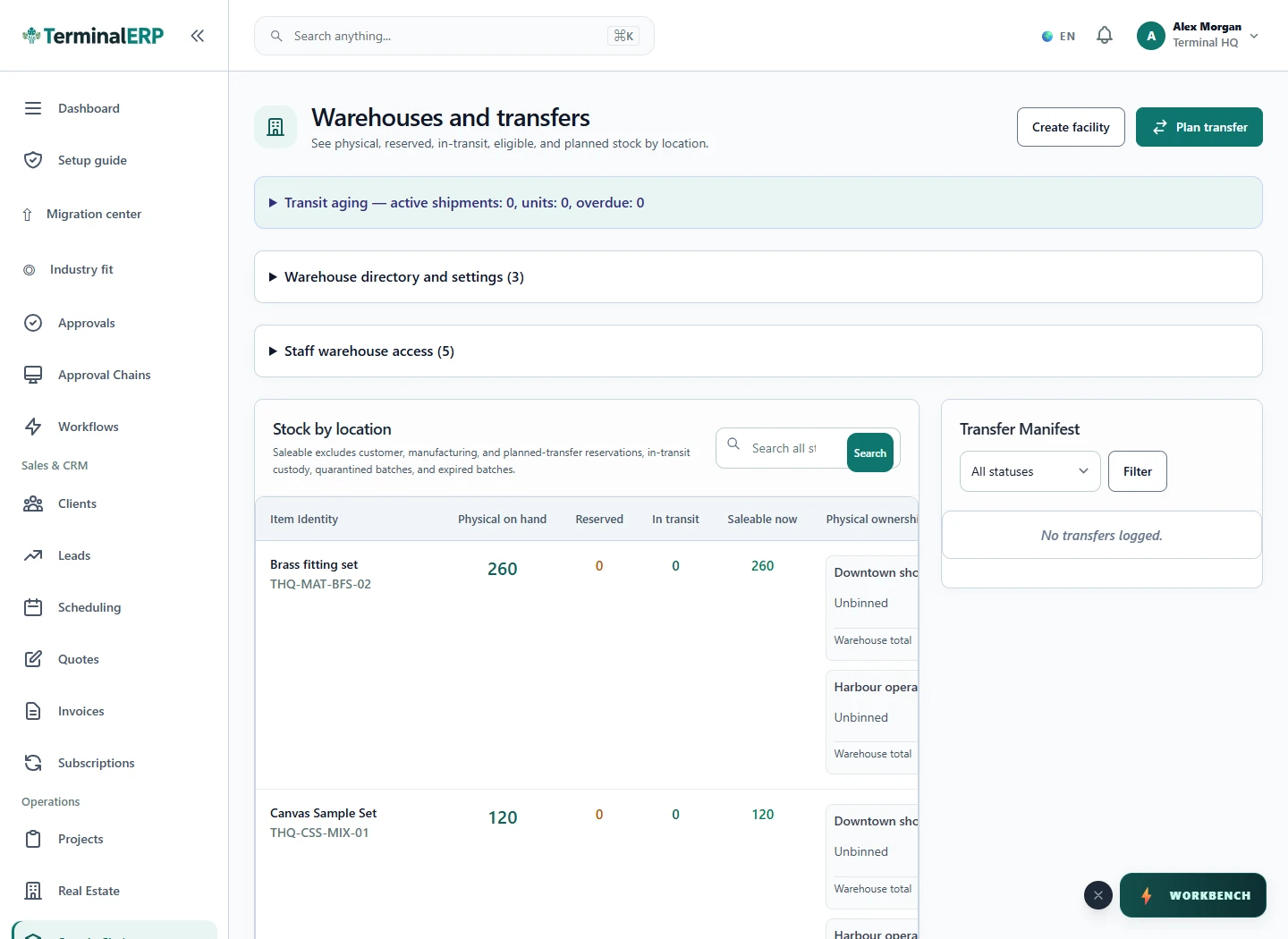
Know what left, what arrived and what needs attention.
For example: A retailer with two shops transfers goods to the branch that needs them and records the receiving branch’s sales through its linked register.
Record the supported partial receipt, then review the remaining quantity and applicable loss approval.
No. Stock locations and legal-entity accounting are different arrangements.
Start with consistent register and warehouse names, then test transfers and closing across representative branches before wider rollout.
Distinguish location operations from separate legal businesses. Franchise fees, settlements and permissions need an explicit setup review.
AI assistance
Compare branch performance and review suggested stock transfers.
Give each branch a practical way to reach permitted records from a phone. Explore mobile access with the warehouse scope and cost visibility each role needs.
Choose with clarity
Start with workflows shaped around the work you do, then check the specialist and regional requirements that matter to your business.
Choosing an industry configures the workspace. It does not turn TerminalERP into a certified specialist system or prove country-specific compliance.
Compare the plans or tell us the task you want to manage. Use a real example to decide whether the available workflow fits.