
Agree the order before the goods arrive
Use the supported approval, revision and cancellation controls. Keep supplier identity and the reviewed order version clear.
Purchasing for your business
Follow approved supplier orders through receipt, bill matching and reviewed exceptions.

Use the supported approval, revision and cancellation controls. Keep supplier identity and the reviewed order version clear.
Review receipt quantities and supported multi-order bill matching. Investigate quantity or price variances with the source records available.
Record supported supplier credits and refunds with their references. Review additional buying costs through the applicable landed-cost workflow.
Follow a populated supplier order through receiving and bill review. The interface shown below is a current product capture from the populated fictional TerminalHQ demonstration workspace.
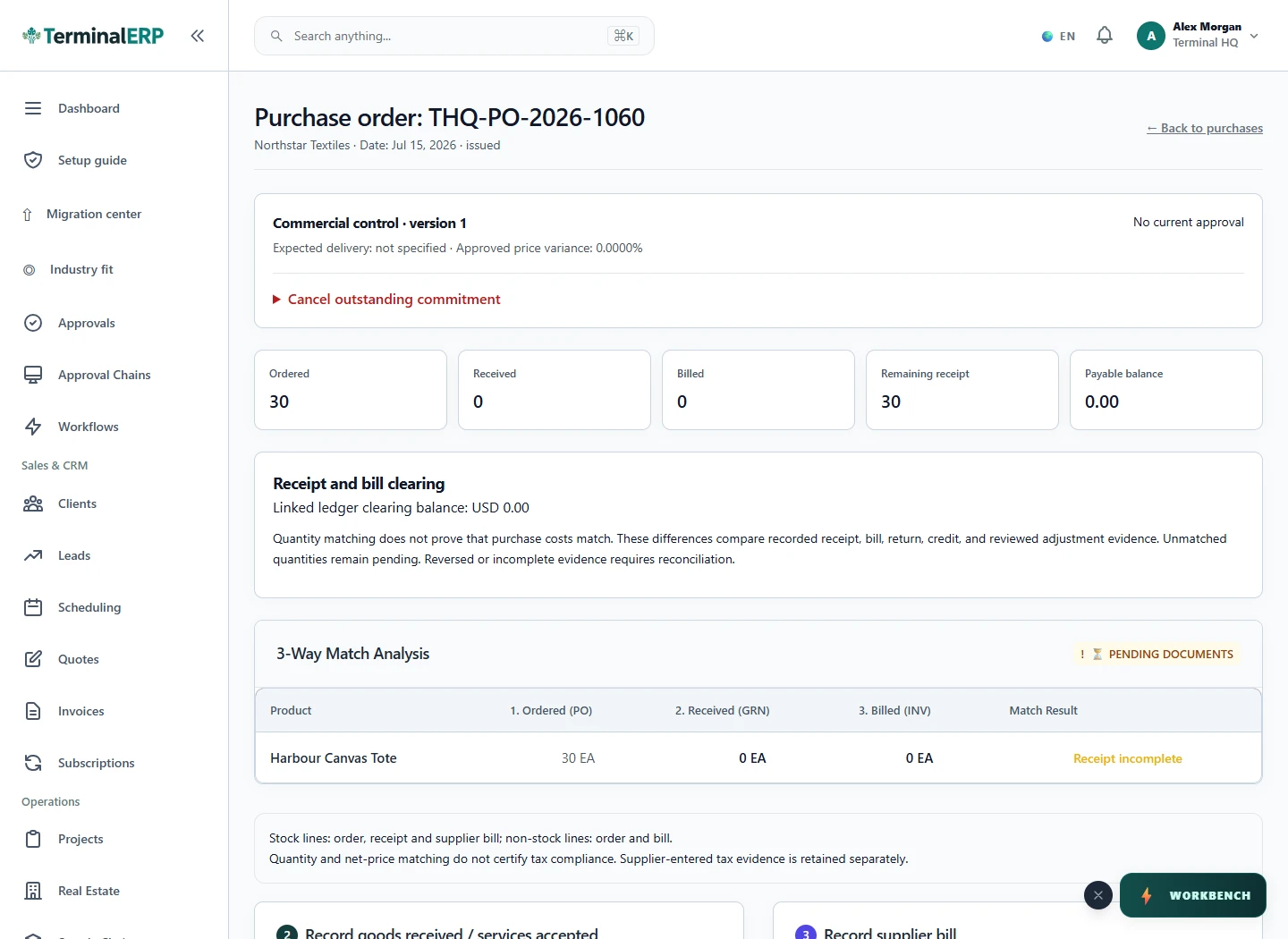
Know what was ordered, received and billed.
A supplier sends one bill covering receipts from two orders. The buyer reviews each allocation and resolves a variance before treating the purchase as complete.
Ordering, receipt, supplier billing and payment are separate events. Confirm currency and provider capabilities for the exact purchasing arrangement.
Keep the supplier and purchase context close to receiving work. Check which actions are available through the browser or native companion and review their recorded result.
Compare the plans or tell us how you want to use purchasing.