

What this guide helps you do
Follow a supplier order from commitment through receiving, matching, and landed-cost review.
Before you start
- The supplier and catalog items exist.
- Quantities, unit costs, delivery location, and approval requirements are known.
- The receiving team can identify partial deliveries.
Step by step
- Create the purchase order with supplier, items, quantities, and costs.
- Issue the order only after the commercial details are reviewed.
- Record actual received quantities when goods arrive; do not mark missing items as received.
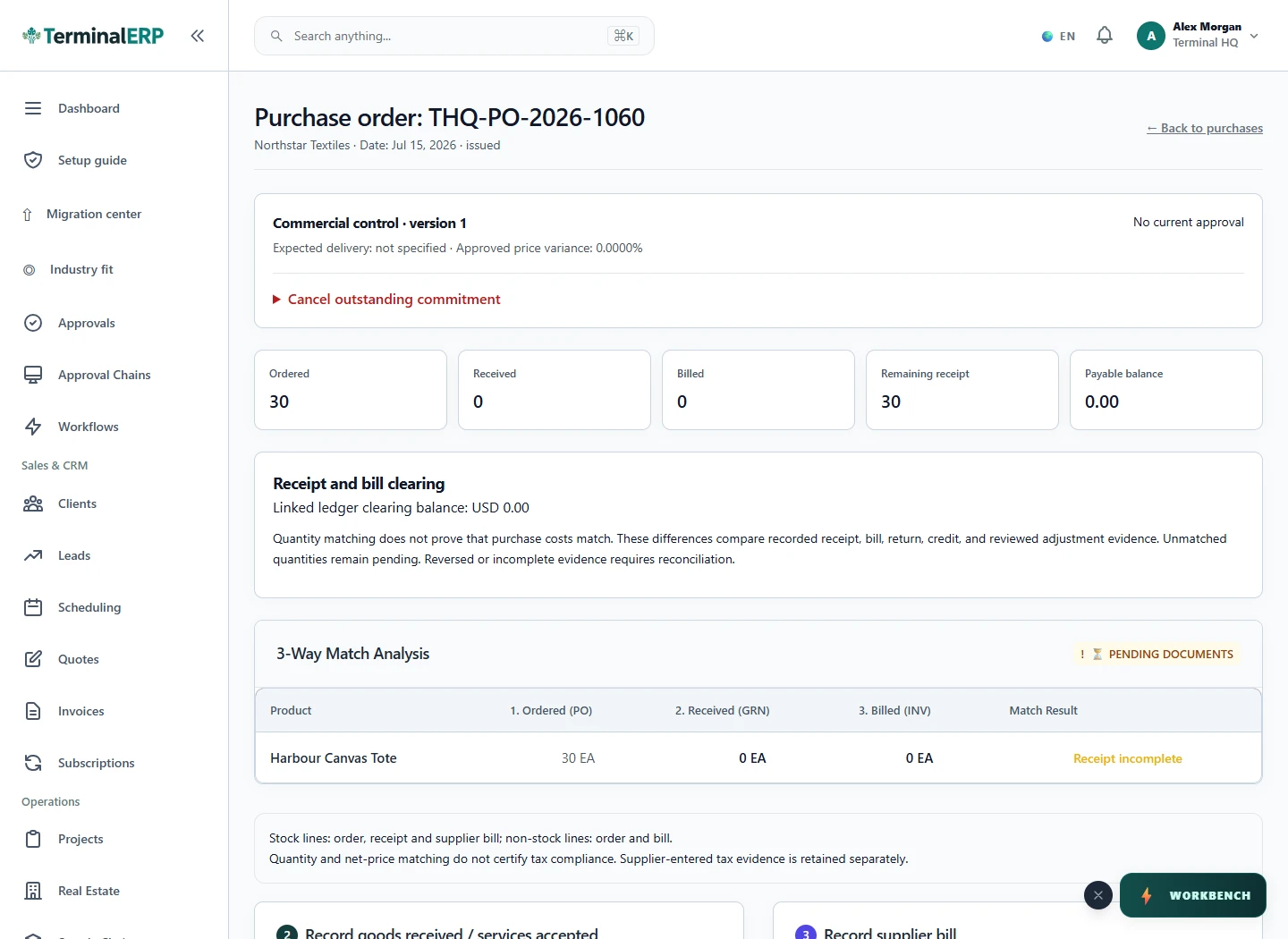
- Open the order and compare ordered, received, and billed values.
- Allocate eligible freight or import costs only after the receiving basis is correct.
Find the workflow on screen
Check the result
- Partial receipts remain partial.
- Received stock is posted to the intended location.
- The supplier bill and landed costs can be traced back to the order.
If something does not look right
- Stop before confirming, posting, paying, deleting, or retrying the same submission.
- Check the workspace, record identifier, date range, status, permissions, and source evidence.
- Refresh once and search for the record before creating a replacement, so a slow response does not produce a duplicate.
Common problems and what to check
- Receiving is blocked: check status, remaining quantity, destination location and any stock-period lock before retrying.
- Stock does not look right: follow the receiving movement and warehouse, not just the purchase order total. Do not record a second receipt to correct a display mismatch.
When to contact support
If the source evidence and permissions are correct but the result is still wrong, send the page address, record number, exact message, time of the attempt, expected result, and what you already checked. Never include passwords, API keys, payment-card details, or private provider secrets.