
What this guide helps you do
Review purchase orders, receipts, supplier bills, matching status, and unpaid balances before payment.
Before you start
- The supplier and purchase order are recorded.
- Received quantities are entered before treating an order as fully received.
- You have the supplier bill and any freight or landed-cost evidence.
Step by step
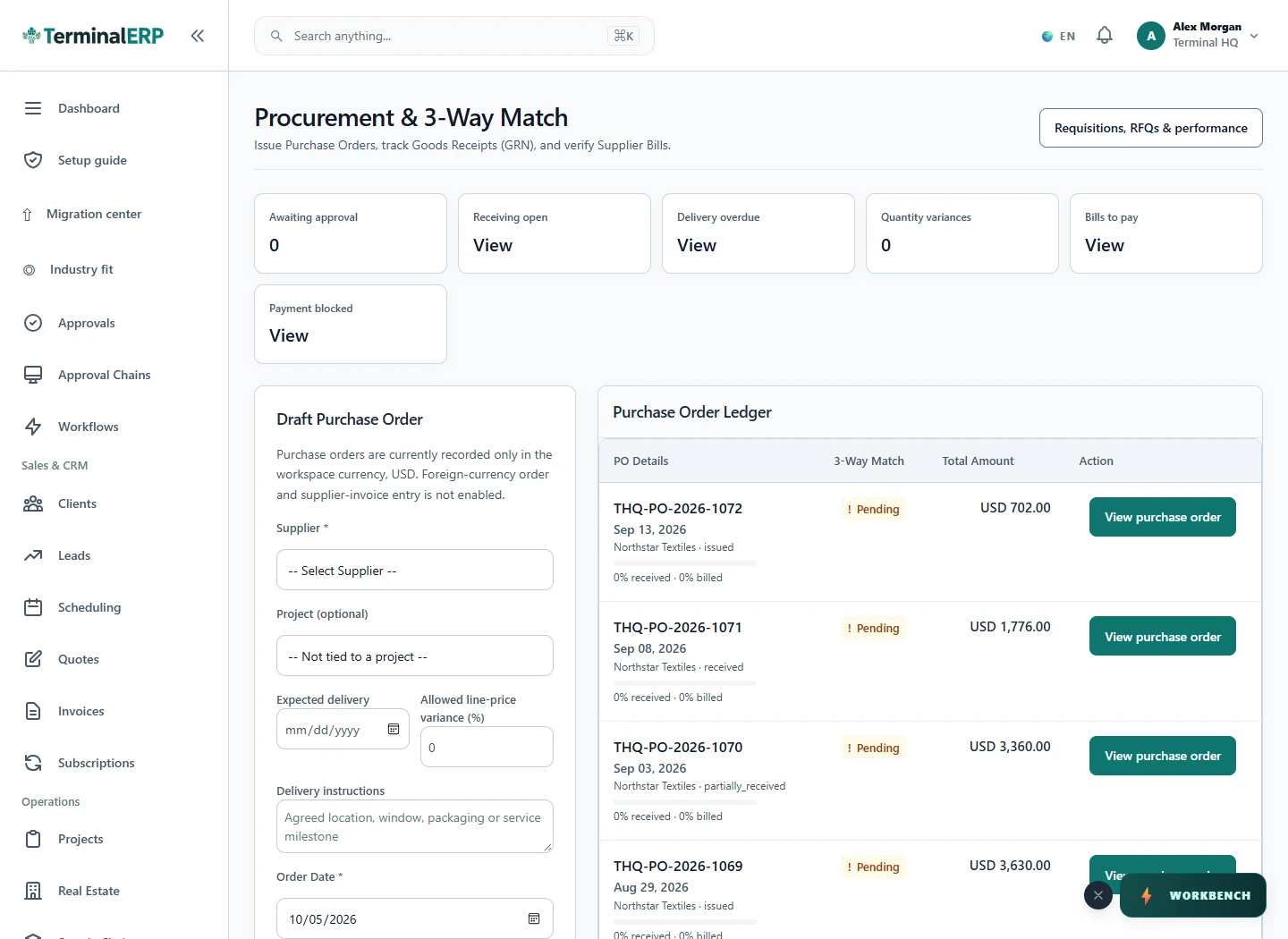
- Open Purchasing and filter by supplier, status, or date.
- Open the purchase order and compare ordered quantities with received quantities.
- Review the linked supplier bill, amount, and three-way-match status.
- Resolve quantity or price differences before marking the bill ready for payment.
- Record payment only after the bill, bank source, and approval state agree.
Find the workflow on screen
Check the result
- A received order is not mistaken for a paid bill.
- The bill total agrees with the reviewed source document.
- Partial receipts and partial payments remain visibly partial.
If something does not look right
- Stop before confirming, posting, paying, deleting, or retrying the same submission.
- Check the workspace, record identifier, date range, status, permissions, and source evidence.
- Refresh once and search for the record before creating a replacement, so a slow response does not produce a duplicate.
Common problems and what to check
- A match remains partial: compare received quantity and unit cost with the supplier bill; a fully ordered quantity is not proof of delivery.
- A bill still shows unpaid: check for an existing payment and its bank source before recording another payment.
When to contact support
If the source evidence and permissions are correct but the result is still wrong, send the page address, record number, exact message, time of the attempt, expected result, and what you already checked. Never include passwords, API keys, payment-card details, or private provider secrets.