

Menu

Product tour

See your next working day in TerminalERP.

From the first customer enquiry to the end-of-day review, explore the screens that bring your business records together.

Customer relationships

Turn customer conversations into clear agreements.

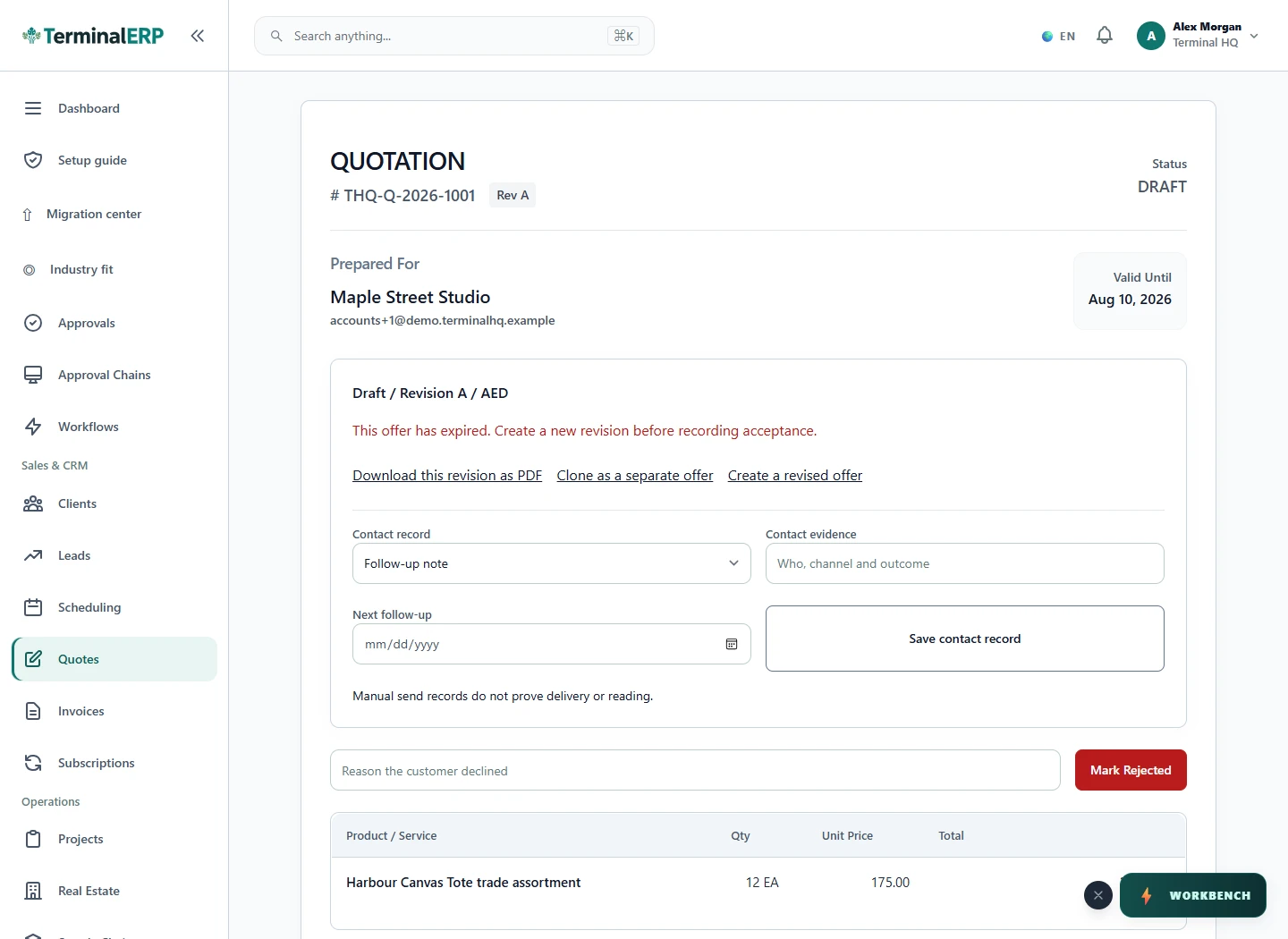
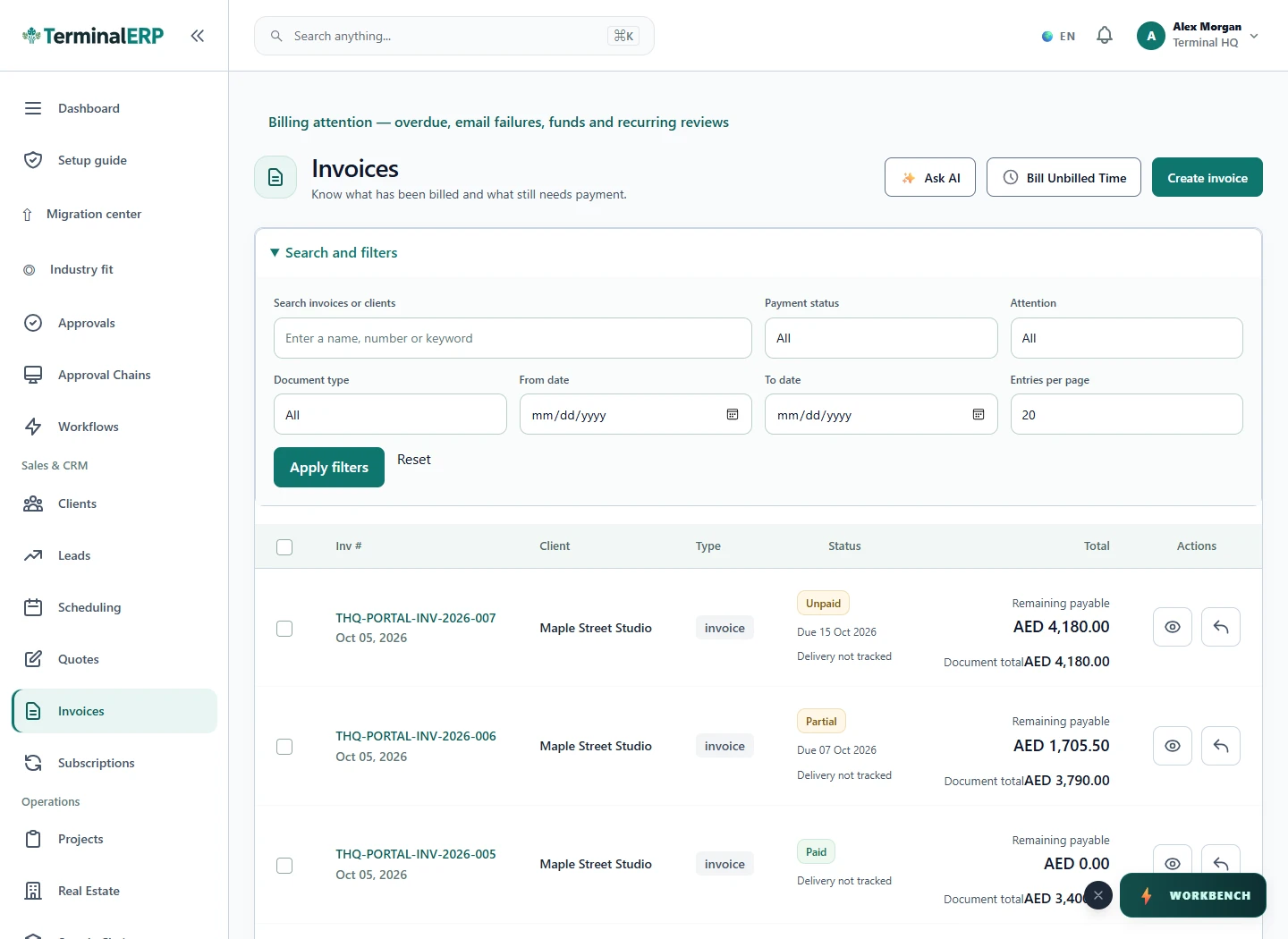
Keep customer identity, the accepted quotation and its eligible invoice, order or project handoff connected. Review delivery, outstanding balances and recorded payments with the source agreement close at hand.

Explore sales & billing

Enquiries

TerminalERP
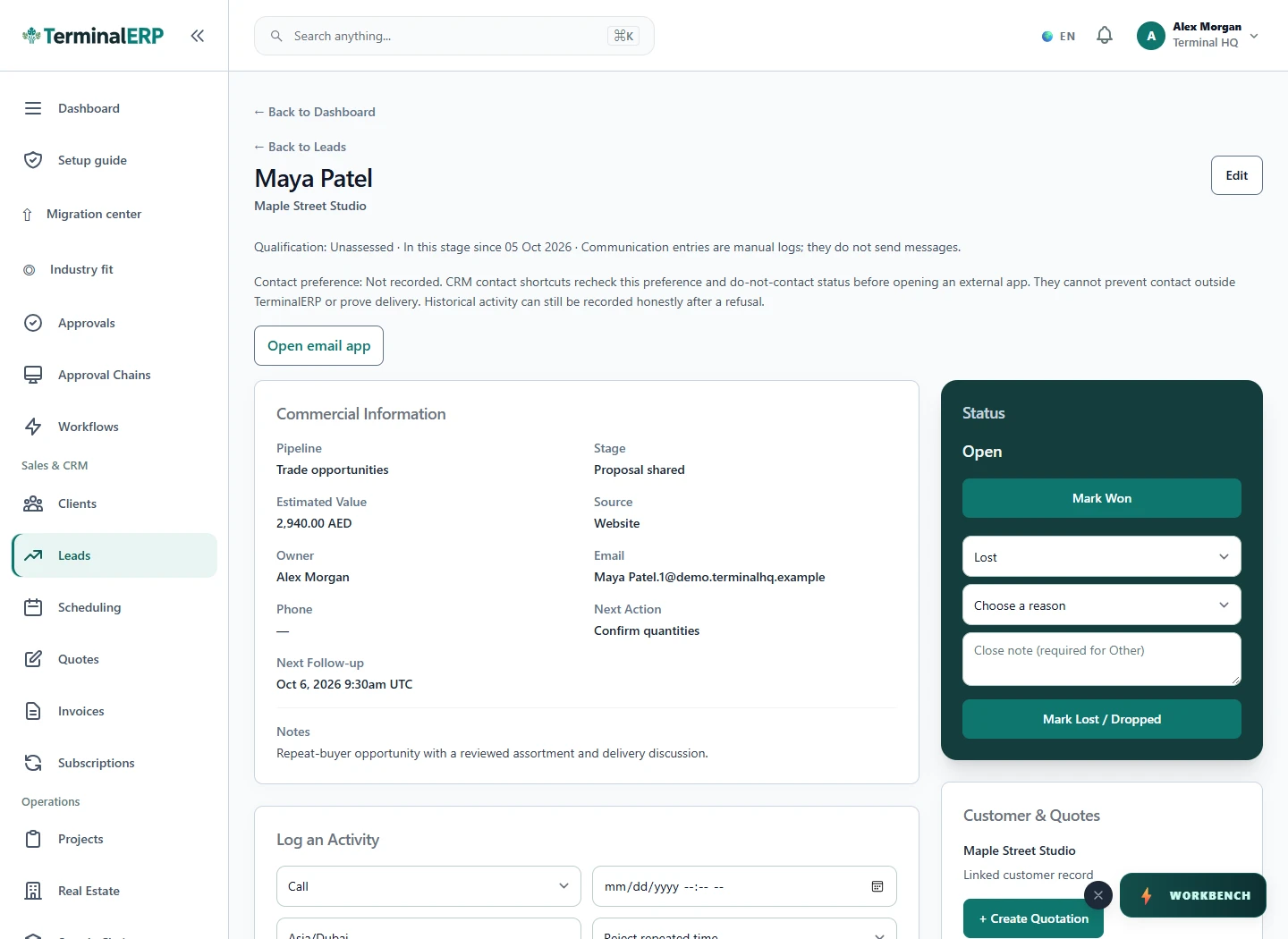
Current TerminalERP CRM opportunity showing value, stage, owner, follow-up and linked customer.
View full screen

Client delivery

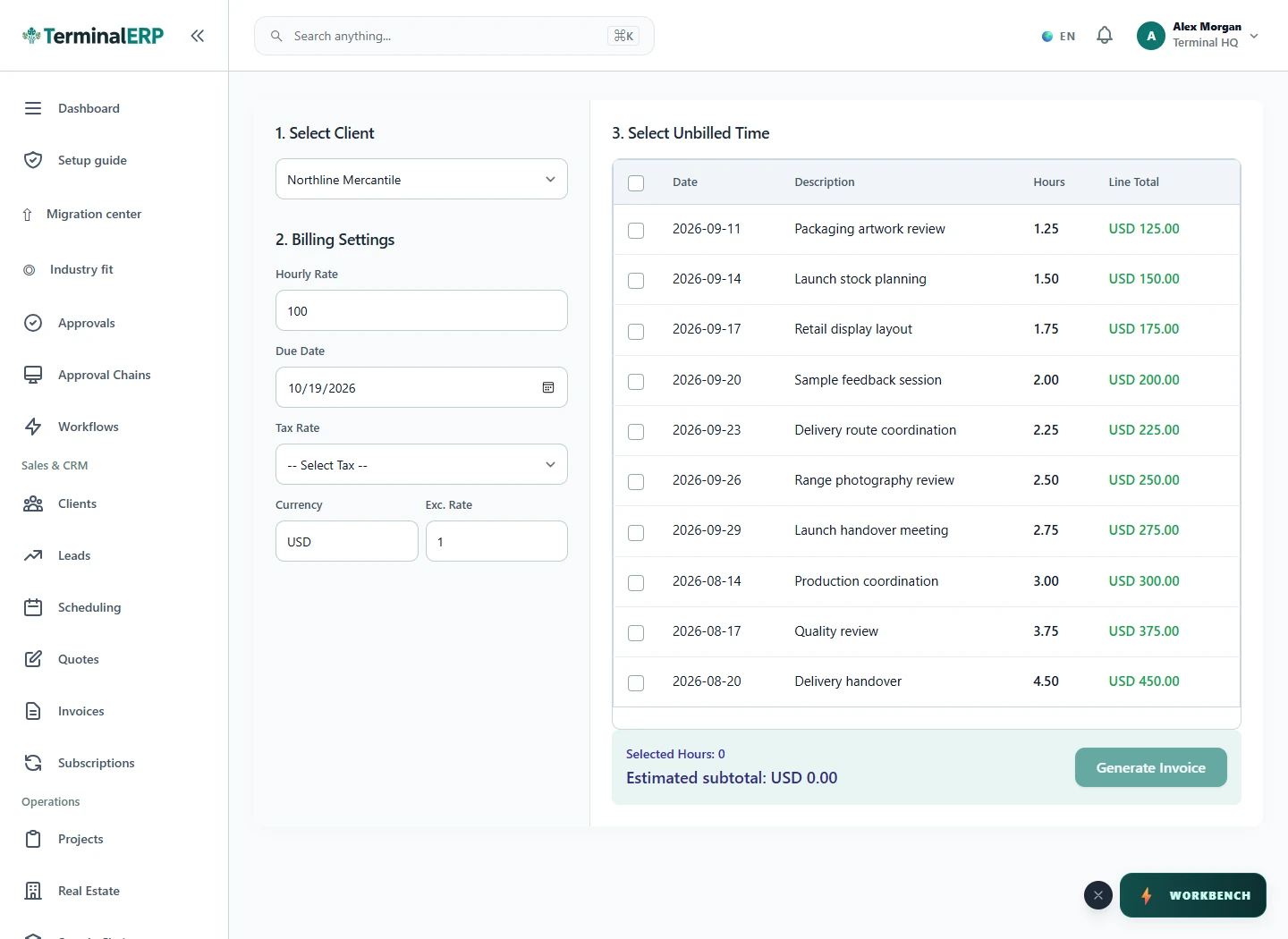
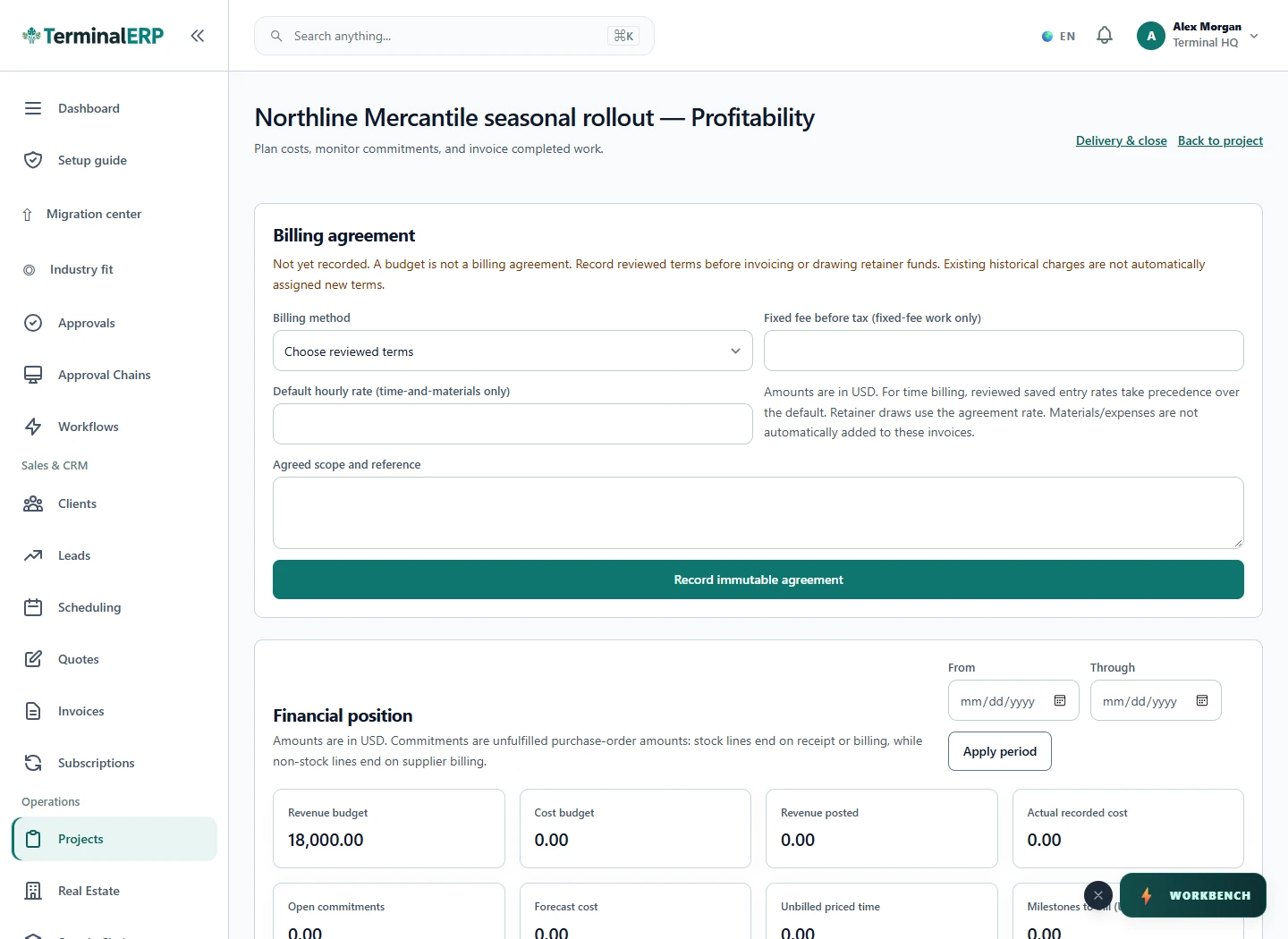
Keep client work and billable time in view.

Organise the project and billing agreement, record dated time and review approvals. Keep corrections linked and split retainer entries that cross the remaining included hours.

Explore projects & time

Project board

TerminalERP
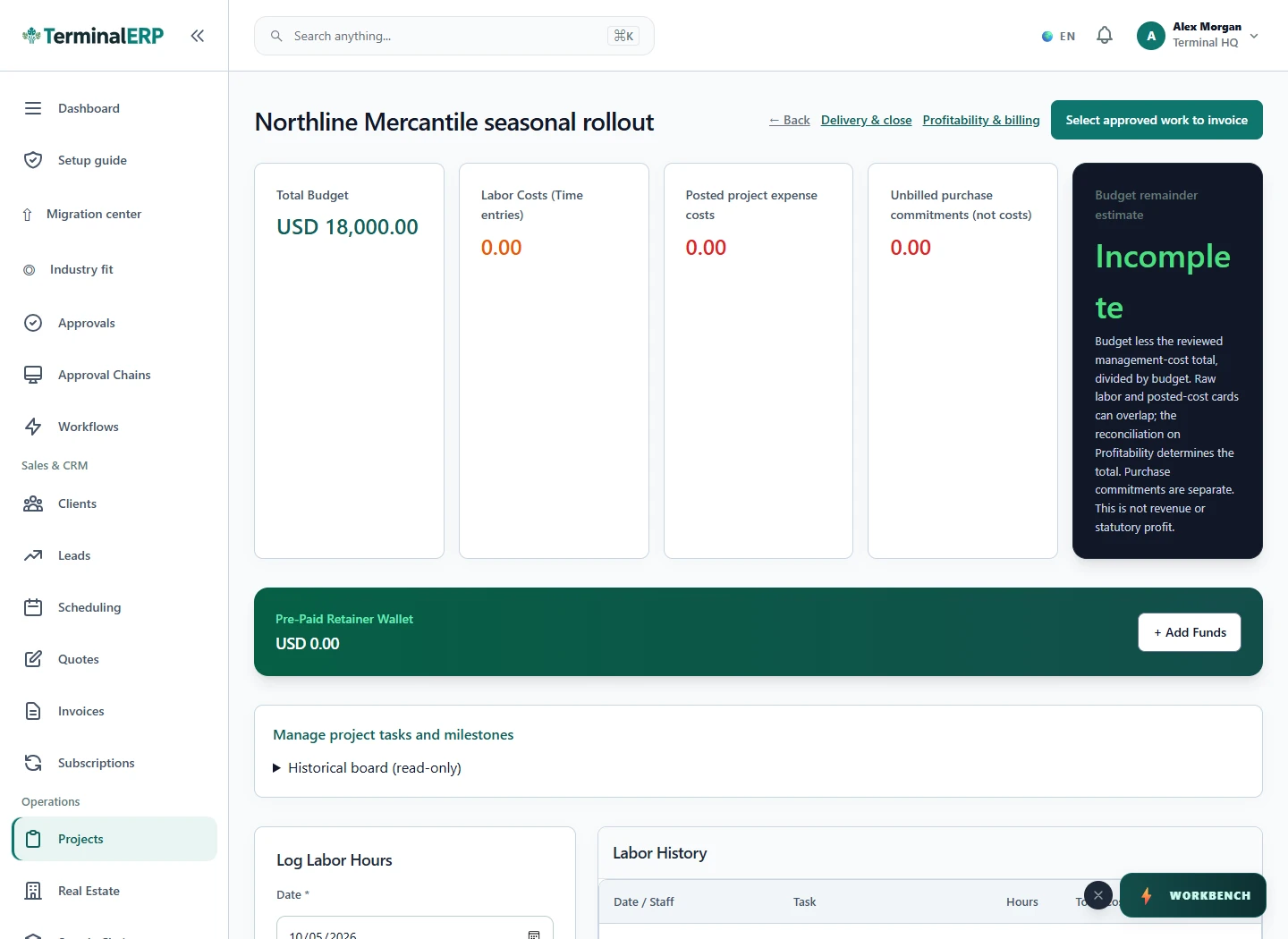
Current TerminalERP project workspace showing tasks, customer context and recorded work.
View full screen

Products & operations

Know what you have and where it belongs.

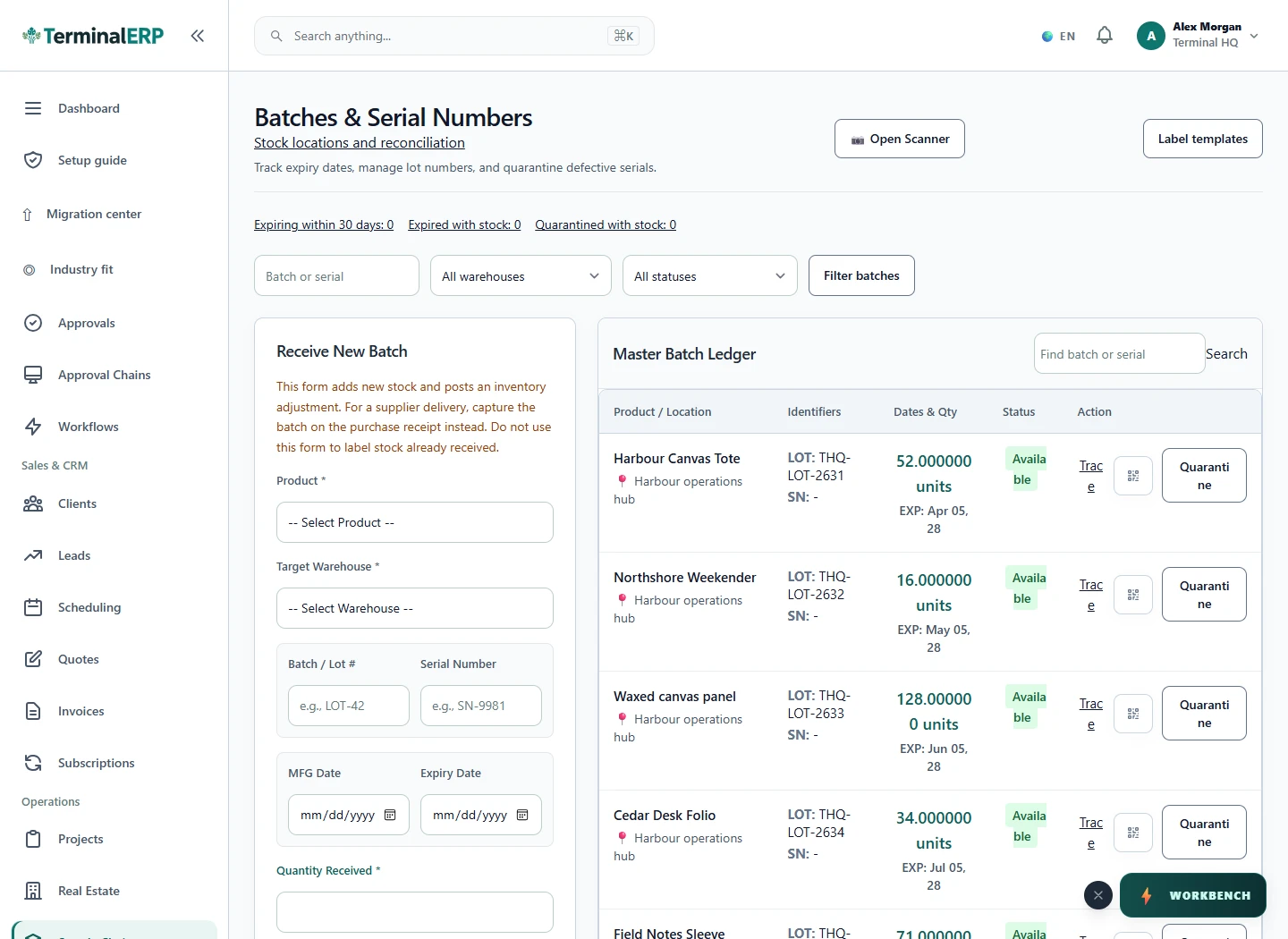
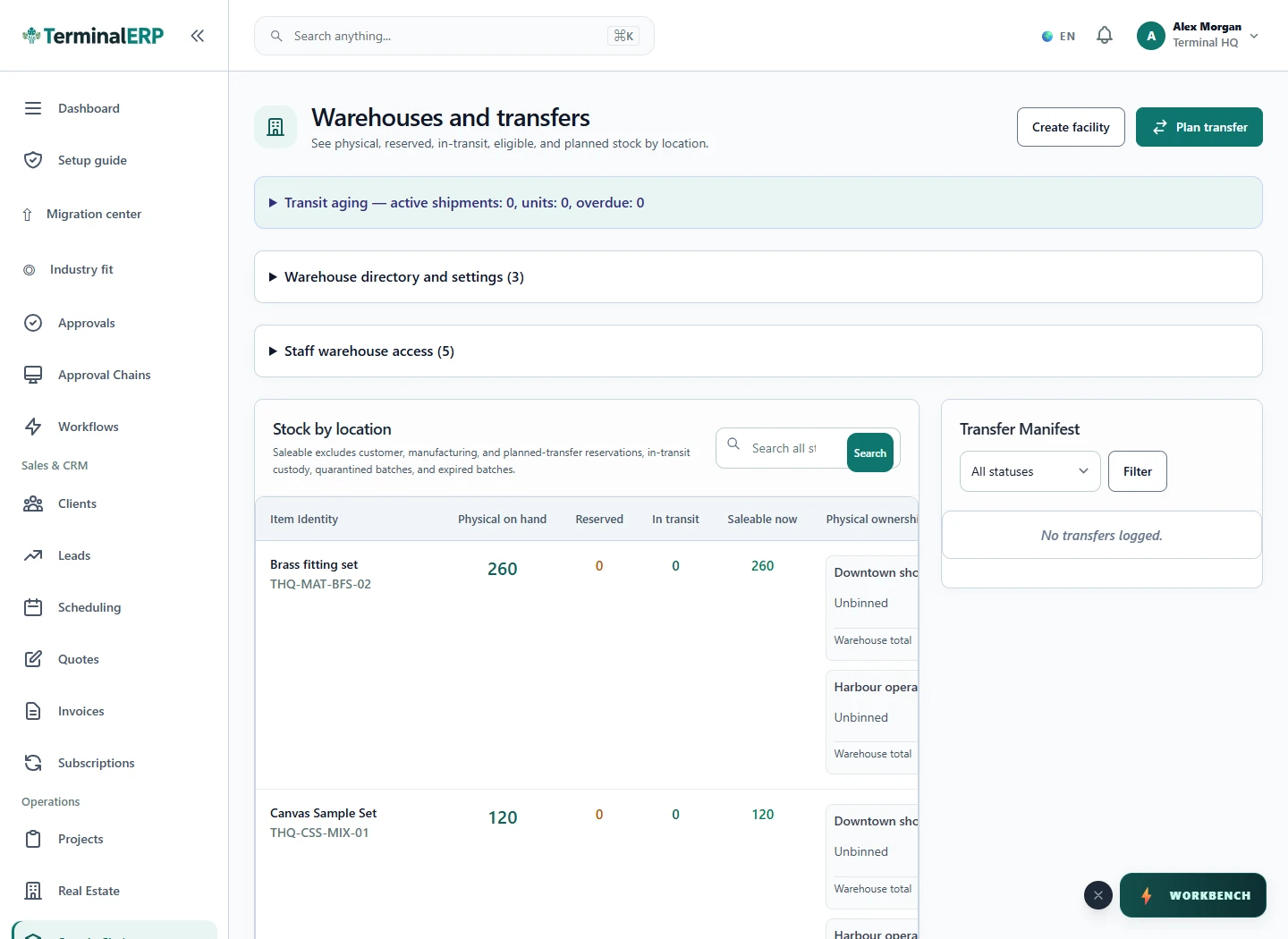
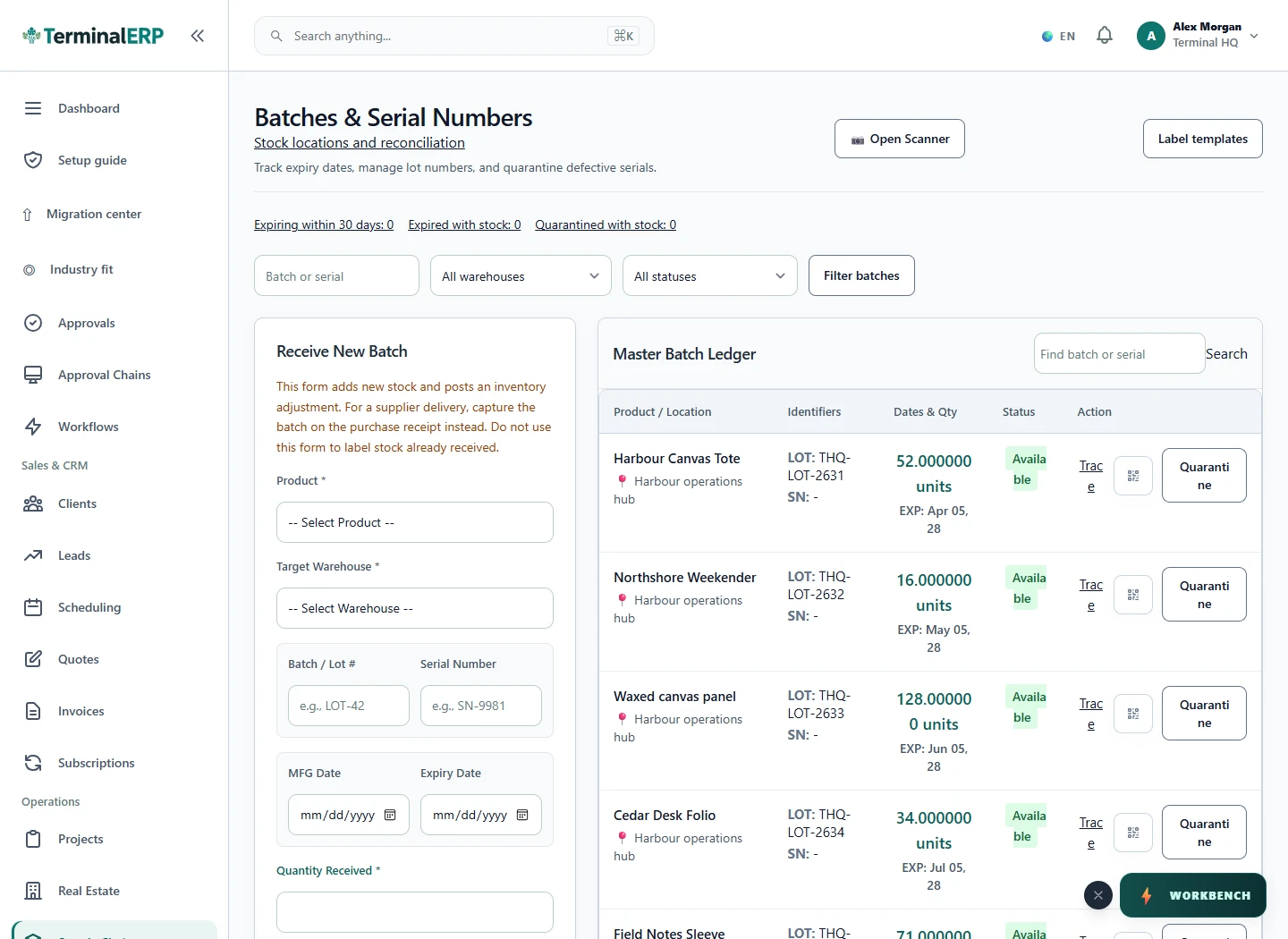
Review the catalog, receipts and stock at each location. Follow transfers through partial receipt, inspect batch allocations and review additional buying costs before the next purchasing decision.

Explore stock & locations

Product catalogue

TerminalERP
Current TerminalERP stock batch register showing products, locations, available quantities and expiry dates.
View full screen

Money & accounts

Finish the day with the records together.

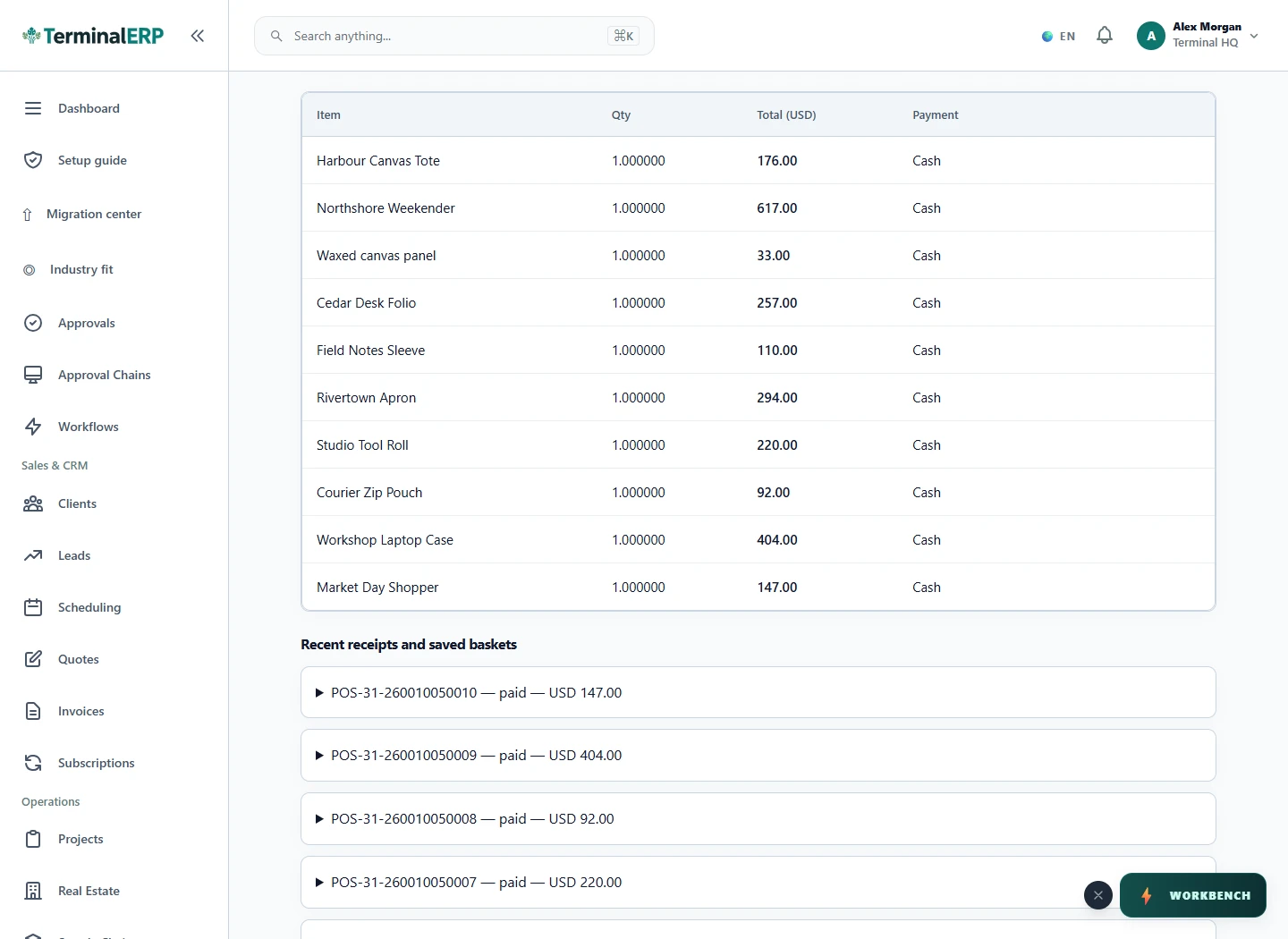
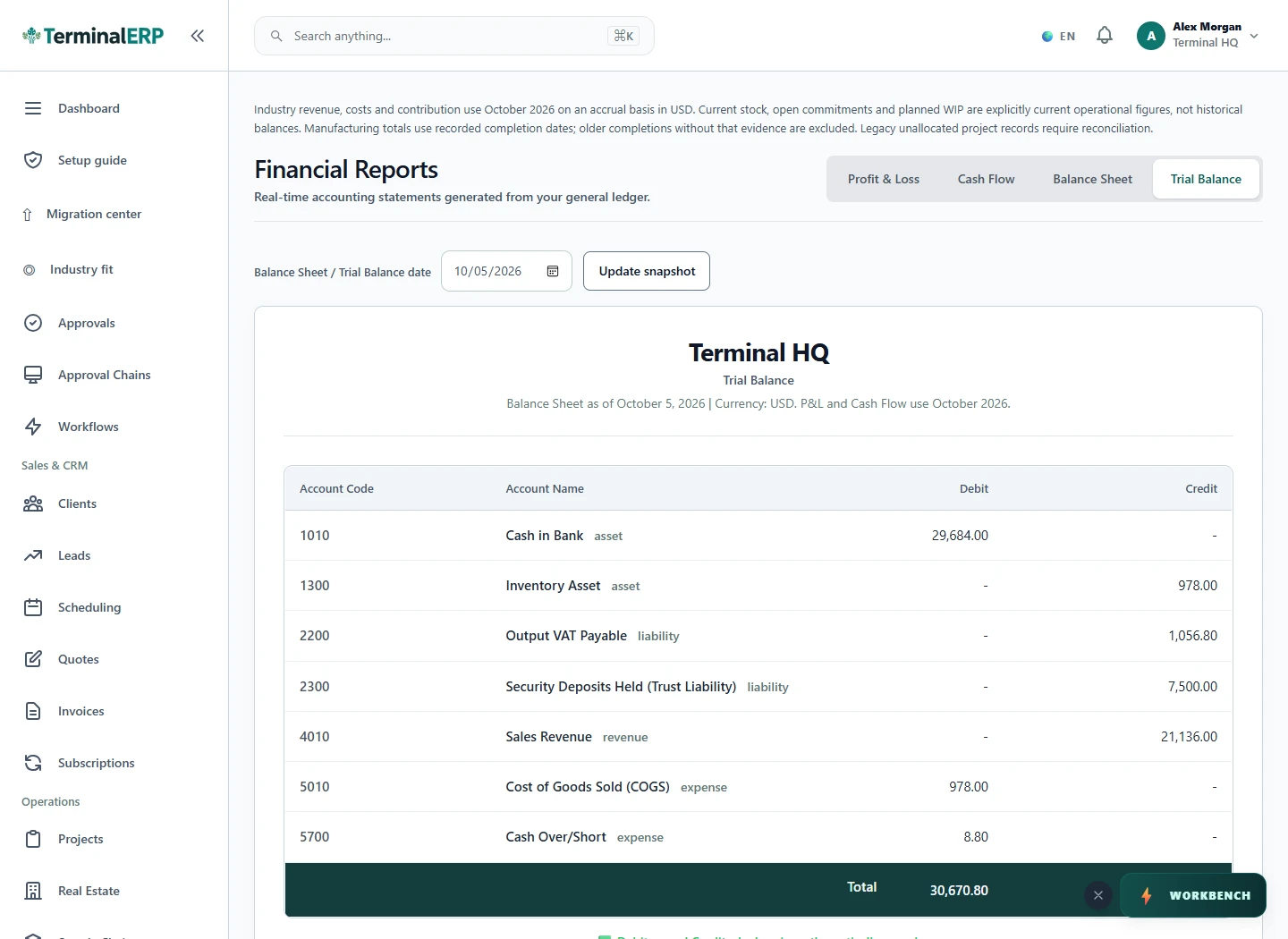
Count the till and review its recorded close. Follow accounting balances to their source transactions, investigate reconciliation differences and preserve the reviewed reporting basis.

Explore counter sales

Till close

TerminalERP
Current TerminalERP till register showing ten recorded counter sales with quantities, totals and payment methods.
View full screen

Take the next step where the work happens.

Review customer context, capture a receipt or log time through the appropriate phone workflow. Check the result in the same workspace and continue complex work in the browser. Native availability is confirmed separately.

See the mobile workflow

Work away from the desk

Keep the next step close to the work.

  1. Customer conversation
  2. Permitted phone task
  3. Review and confirm
  4. Server result
  5. Continue review in browser
  6. Lost response
  7. Check recorded result

Find the right starting point for your business.

Compare plans or tell us which part of your working day you want to simplify.