

Before you start
You need invoice creation access, a client or allowed guest sale, at least one item and a configured tax rate. Verify your company details first.
Follow these steps
- Open Invoices and choose Create New Invoice.
- Select the customer, invoice type and due date.
- Review currency and exchange rate, then add quantities and prices.
- Check the selected tax, any discount and retainage if applicable.
- Save once and inspect the invoice detail and PDF preview.
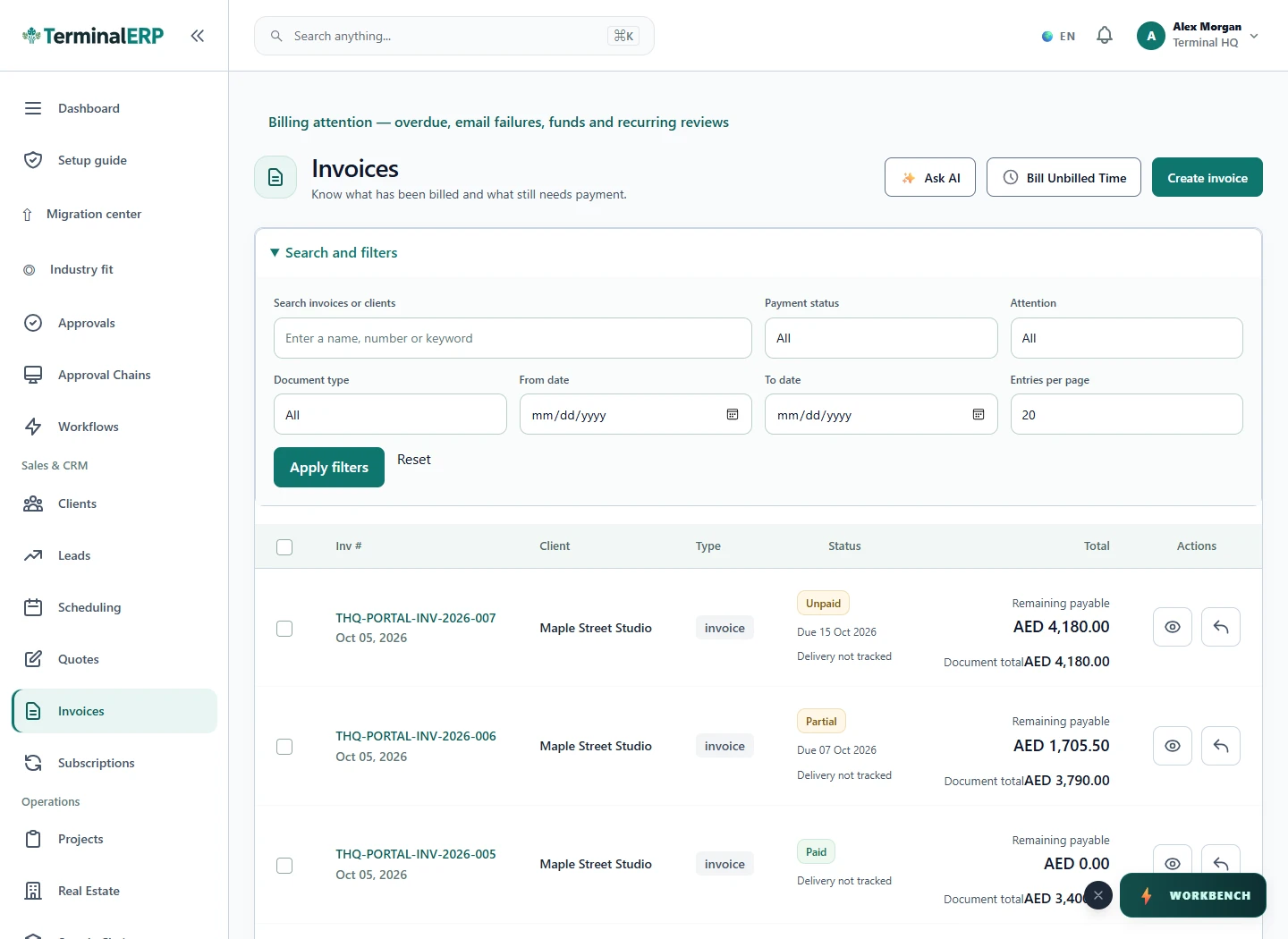
Check the result
The saved document has an invoice reference, totals and payment status. Review those against the intended transaction.
If you get stuck
Required client, tax, currency or item fields can block saving. Read the field message, correct the input and check whether a prior submission already created a record before retrying.
One thing to remember
Do not create dummy invoices in a live workspace for practice. Creation can post financial records, and downloading a PDF does not mean an email was delivered.
Keep going
Still need a hand?
Tell us what you tried, what you expected and what happened. Keep passwords, API keys and private customer information out of your message.
Open a support ticket. Visitors without a workspace can contact us.
Still stuck?
Before contacting support:
- Confirm the workspace, record number, date range and status.
- Check your role permissions and the source document.
- Refresh once and search for the record before repeating a submission.
- Check the relevant guide for the next action; do not force a match, posting or approval.
If you still need help, include the page address, exact message, time, expected result and checks already completed. Never send passwords, API keys, payment-card details or provider secrets.