
Before you start
You need access to the saved invoice and a browser that can open or download PDF documents. Make sure the invoice belongs to the intended customer.
Follow these steps
- Open the invoice detail from Invoices.
- Choose the preview or download action.
- Check the issuer, customer, reference, dates and currency.
- Compare quantities, prices, tax, total and any payment information with the saved record.
- Download the reviewed copy and share it only with the intended recipient.
Check the result
The browser displays or downloads the invoice document. Mobile browsers may put downloads in their file manager instead of showing an embedded preview.
If you get stuck
If no new page appears, check the browser download area and blocked-popup message. If values differ from the expected transaction, stop and report the reference rather than editing the PDF to hide the difference.
One thing to remember
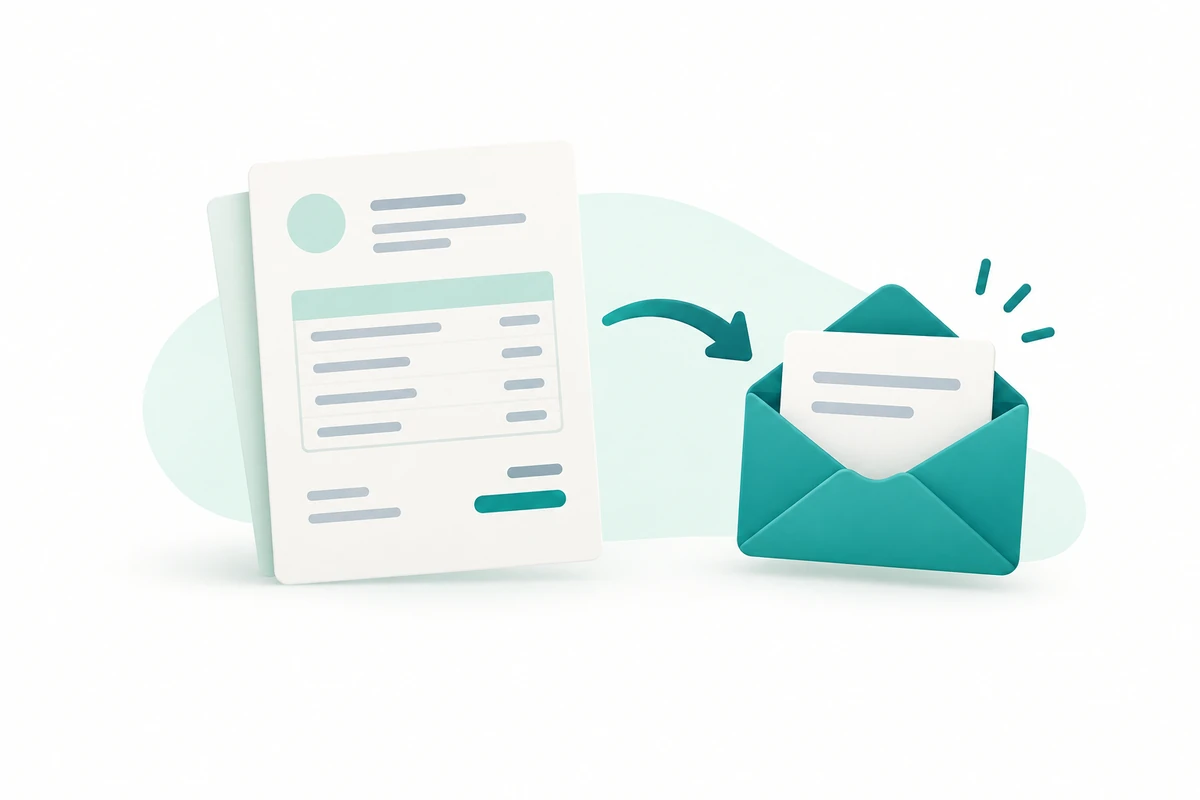
Opening, printing or downloading the PDF does not establish email delivery. Keep your own delivery evidence when that matters to the customer relationship.
Keep going
Still need a hand?
Tell us what you tried, what you expected and what happened. Keep passwords, API keys and private customer information out of your message.
Open a support ticket. Visitors without a workspace can contact us.
Still stuck?
Before contacting support:
- Confirm the workspace, record number, date range and status.
- Check your role permissions and the source document.
- Refresh once and search for the record before repeating a submission.
- Check the relevant guide for the next action; do not force a match, posting or approval.
If you still need help, include the page address, exact message, time, expected result and checks already completed. Never send passwords, API keys, payment-card details or provider secrets.